Dashboards · React
Marketing campaigns
Leads by channel, spend per campaign and cost per lead for a small in-house marketing team.
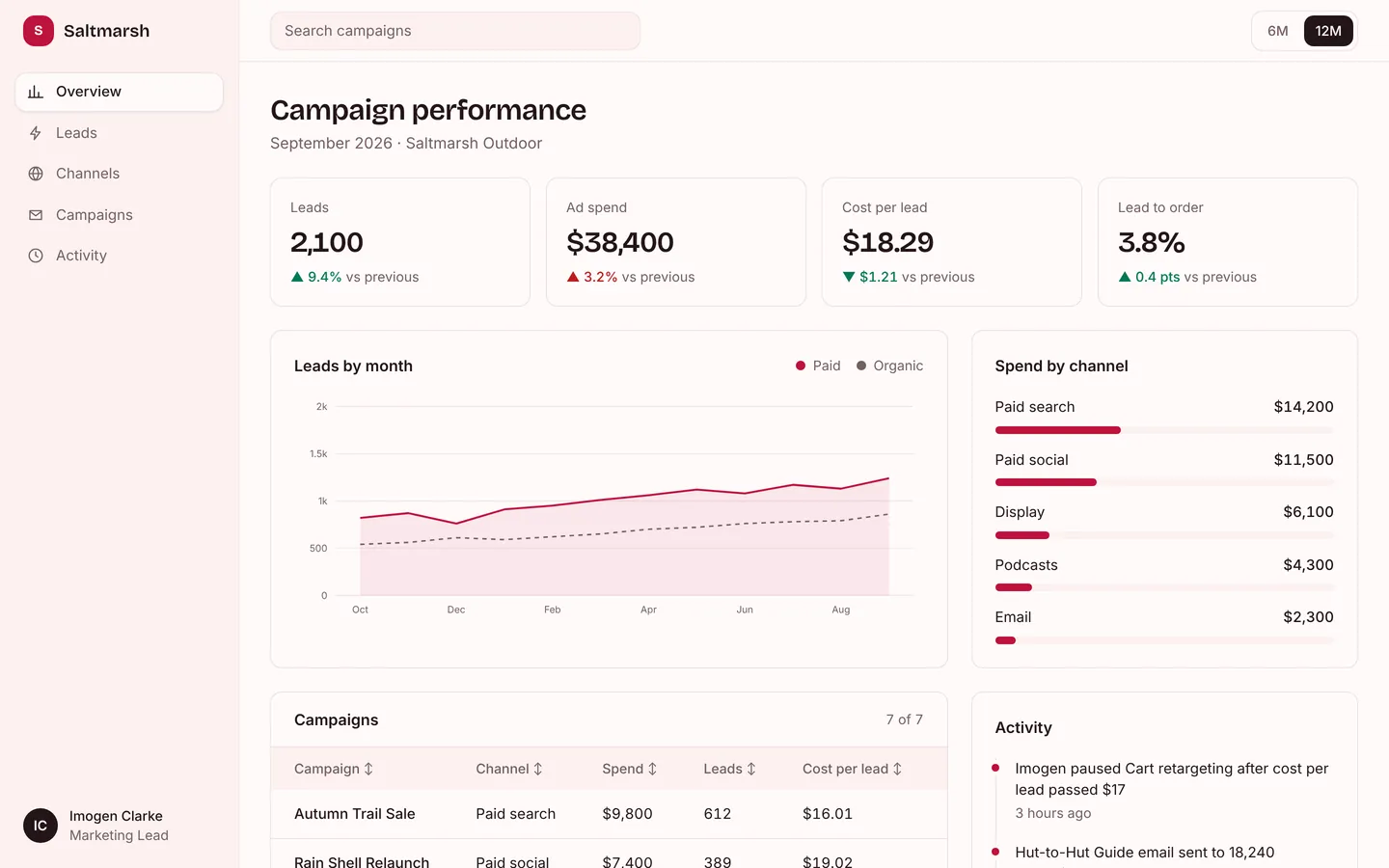
What you get
A campaign dashboard for an outdoor gear brand: leads from paid and organic channels by month, spend split by channel, and every live campaign with its cost per lead. All numbers live in src/dashboard.ts.
Files
Exactly what is copied into a new project: 13 files, nothing generated.
Explorer 13
import { useMemo, useState } from "react";import { dashboard as d } from "./dashboard";import { Chart } from "./Chart";import { Icon } from "./Icon";import type { Tone } from "./types"; const TONE: Record<Tone, string> = { good: "bg-good/10 text-good ring-good/25", warn: "bg-warn/10 text-warn ring-warn/25", bad: "bg-bad/10 text-bad ring-bad/25", neutral: "bg-surface text-muted ring-line", accent: "bg-accent/10 text-accent ring-accent/25",}; function Pill({ value }: { value: string }) { const tone = d.table.tones?.[value] ?? "neutral"; return <span className={`inline-flex items-center rounded-full px-2 py-0.5 text-xs font-medium ring-1 ring-inset ${TONE[tone]}`}>{value}</span>;} function Sidebar({ onNavigate }: { onNavigate?: () => void }) { return ( <nav aria-label="Dashboard" className="flex h-full flex-col gap-1 p-4"> <a href="#" className="mb-6 flex items-center gap-2.5 px-2 font-heading text-lg font-semibold"> <span className="grid h-8 w-8 place-items-center rounded-card bg-accent text-sm font-bold text-accent-fg">{d.brand[0]}</span> {d.brand} </a> {d.nav.map((n, i) => ( <a key={n.label} href={n.href} onClick={onNavigate} className={`flex items-center gap-3 rounded-card px-3 py-2 text-[15px] transition ${i === 0 ? "bg-bg font-medium text-fg shadow-sm ring-1 ring-line" : "text-muted hover:bg-bg hover:text-fg"}`} > <Icon name={n.icon} className="h-[18px] w-[18px]" /> {n.label} </a> ))} <div className="mt-auto flex items-center gap-3 rounded-card px-2 py-2"> <span className="grid h-9 w-9 place-items-center rounded-full bg-fg text-sm font-semibold text-bg"> {d.user.name .split(" ") .map((w) => w[0]) .join("")} </span> <span className="min-w-0 text-sm"> <span className="block truncate font-medium">{d.user.name}</span> <span className="block truncate text-muted">{d.user.role}</span> </span> </div> </nav> );} export default function App() { const [range, setRange] = useState(d.ranges[d.ranges.length - 1]); const [query, setQuery] = useState(""); const [sort, setSort] = useState<{ col: number; dir: 1 | -1 } | null>(null); const [menu, setMenu] = useState(false); const labels = d.chart.labels.slice(-range.points); const series = d.chart.series.map((s) => ({ ...s, values: s.values.slice(-range.points) })); const rows = useMemo(() => { const q = query.trim().toLowerCase(); const list = q ? d.table.rows.filter((r) => r.some((c) => c.toLowerCase().includes(q))) : d.table.rows.slice(); if (sort) { const num = (s: string) => Number(s.replace(/[^0-9.-]/g, "")); list.sort((a, b) => { const [x, y] = [a[sort.col], b[sort.col]]; const nx = num(x); const ny = num(y); const cmp = !Number.isNaN(nx) && !Number.isNaN(ny) && /\d/.test(x) && /\d/.test(y) ? nx - ny : x.localeCompare(y); return cmp * sort.dir; }); } return list; }, [query, sort]); return ( <div className="min-h-screen bg-bg font-body text-fg antialiased lg:grid lg:grid-cols-[248px_1fr]"> <aside className="sticky top-0 hidden h-screen border-r border-line bg-surface lg:block"> <Sidebar /> </aside> {menu ? ( <div className="fixed inset-0 z-50 bg-black/30 lg:hidden" onClick={() => setMenu(false)}> <aside className="h-full w-72 bg-surface" onClick={(e) => e.stopPropagation()}> <Sidebar onNavigate={() => setMenu(false)} /> </aside> </div> ) : null} <div className="min-w-0"> <header className="sticky top-0 z-30 flex h-16 items-center gap-3 border-b border-line bg-bg/90 px-5 backdrop-blur sm:px-8"> <button type="button" className="grid h-10 w-10 place-items-center rounded-card border border-line lg:hidden" aria-label="Open navigation" onClick={() => setMenu(true)}> <span className="block h-0.5 w-4 bg-fg shadow-[0_5px_0_currentColor,0_-5px_0_currentColor]" /> </button> <label className="relative flex-1 sm:max-w-sm"> <span className="sr-only">Search {d.table.title.toLowerCase()}</span> <input value={query} onChange={(e) => setQuery(e.target.value)} placeholder={`Search ${d.table.title.toLowerCase()}`} className="h-10 w-full rounded-card border border-line bg-surface px-3.5 text-[15px] outline-none placeholder:text-muted focus:border-accent" /> </label> <div className="ml-auto flex items-center gap-1 rounded-card border border-line p-1" role="group" aria-label="Date range"> {d.ranges.map((r) => ( <button key={r.label} type="button" aria-pressed={range.label === r.label} onClick={() => setRange(r)} className={`h-8 rounded-[calc(var(--radius-card)-2px)] px-3 text-sm font-medium ${range.label === r.label ? "bg-fg text-bg" : "text-muted hover:text-fg"}`} > {r.label} </button> ))} </div> </header> <main className="mx-auto max-w-[1280px] space-y-6 px-5 py-8 sm:px-8"> <div id="overview" className="scroll-mt-24"> <h1 className="font-heading text-2xl font-semibold tracking-tight sm:text-3xl">{d.title}</h1> <p className="mt-1 text-muted">{d.subtitle}</p> </div> <section aria-label="Key figures" className="grid grid-cols-2 gap-4 xl:grid-cols-4"> {d.kpis.map((k) => { const good = k.up === (k.upIsGood ?? true); return ( <div key={k.label} className="rounded-card border border-line bg-bg p-5"> <p className="text-sm text-muted">{k.label}</p> <p className="mt-2 font-heading text-2xl font-semibold tabular-nums tracking-tight sm:text-3xl">{k.value}</p> <p className={`mt-2 text-sm font-medium tabular-nums ${good ? "text-good" : "text-bad"}`}> {k.up ? "▲" : "▼"} {k.delta} <span className="font-normal text-muted">vs previous</span> </p> </div> ); })} </section> <div className="grid gap-6 xl:grid-cols-[1.75fr_1fr]"> <section id="trends" aria-labelledby="chart-title" className="scroll-mt-24 rounded-card border border-line bg-bg p-5 sm:p-6"> <div className="mb-4 flex flex-wrap items-center justify-between gap-3"> <h2 id="chart-title" className="font-semibold"> {d.chart.title} </h2> <div className="flex gap-4 text-sm text-muted"> {d.chart.series.map((s, i) => ( <span key={s.name} className="flex items-center gap-2"> <span className="h-2.5 w-2.5 rounded-full" style={{ background: i === 0 ? "var(--color-accent)" : "var(--color-muted)" }} /> {s.name} </span> ))} </div> </div> <Chart type={d.chart.type} labels={labels} series={series} unit={d.chart.unit} /> </section> <section id="breakdown" aria-labelledby="side-title" className="scroll-mt-24 rounded-card border border-line bg-bg p-5 sm:p-6"> <h2 id="side-title" className="font-semibold"> {d.side.title} </h2> <ul className="mt-5 space-y-4"> {d.side.items.map((i) => ( <li key={i.label}> <div className="flex justify-between gap-3 text-[15px]"> <span>{i.label}</span> <span className="font-medium tabular-nums">{i.value}</span> </div> <div className="mt-2 h-2 rounded-full bg-surface" role="presentation"> <div className="h-2 rounded-full bg-accent" style={{ width: `${Math.max(2, Math.min(100, i.pct))}%` }} /> </div> </li> ))} </ul> </section> </div> <div className={d.feed ? "grid gap-6 xl:grid-cols-[1.75fr_1fr]" : ""}> <section id="table" aria-labelledby="table-title" className="scroll-mt-24 overflow-hidden rounded-card border border-line bg-bg"> <div className="flex items-center justify-between gap-3 border-b border-line px-5 py-4 sm:px-6"> <h2 id="table-title" className="font-semibold"> {d.table.title} </h2> <span className="text-sm text-muted tabular-nums"> {rows.length} of {d.table.rows.length} </span> </div> <div className="overflow-x-auto"> <table className="w-full min-w-[640px] text-left text-[15px]"> <thead className="bg-surface text-sm text-muted"> <tr> {d.table.columns.map((c, i) => ( <th key={c} scope="col" className="whitespace-nowrap px-5 py-3 font-medium sm:px-6" aria-sort={sort?.col === i ? (sort.dir === 1 ? "ascending" : "descending") : "none"}> <button type="button" className="inline-flex items-center gap-1 hover:text-fg" onClick={() => setSort((s) => (s?.col === i ? { col: i, dir: s.dir === 1 ? -1 : 1 } : { col: i, dir: 1 }))}> {c} <span aria-hidden="true" className="text-xs"> {sort?.col === i ? (sort.dir === 1 ? "↑" : "↓") : "↕"} </span> </button> </th> ))} </tr> </thead> <tbody className="divide-y divide-line"> {rows.map((r) => ( <tr key={r.join("|")} className="hover:bg-surface/60"> {r.map((c, i) => ( <td key={i} className={`whitespace-nowrap px-5 py-3.5 sm:px-6 ${i === 0 ? "font-medium" : "tabular-nums"}`}> {i === d.table.statusColumn ? <Pill value={c} /> : c} </td> ))} </tr> ))} {rows.length === 0 ? ( <tr> <td colSpan={d.table.columns.length} className="px-6 py-12 text-center text-muted"> Nothing matches “{query}”. </td> </tr> ) : null} </tbody> </table> </div> </section> {d.feed ? ( <section id="activity" aria-labelledby="feed-title" className="scroll-mt-24 rounded-card border border-line bg-bg p-5 sm:p-6"> <h2 id="feed-title" className="font-semibold"> {d.feed.title} </h2> <ol className="mt-5 space-y-5 border-l border-line pl-5"> {d.feed.items.map((f) => ( <li key={f.text} className="relative"> <span className="absolute -left-[25px] top-1.5 h-2 w-2 rounded-full bg-accent ring-4 ring-bg" /> <p className="text-[15px]">{f.text}</p> <p className="mt-0.5 text-sm text-muted">{f.time}</p> </li> ))} </ol> </section> ) : null} </div> <p className="pb-4 text-center text-sm text-muted">Sample data in src/dashboard.ts. Connect your own API or database to make it live.</p> </main> </div> </div> );}Remix
Remix this template
Describe what to change and the agent starts from Marketing campaigns's files. The box is already started for you: finish “Start from Marketing campaigns and …”
Dependencies
Documented from the template's package.json. The runtime has a prebuilt dependency set for Vite + React + TypeScript, so installs are fast.
- react^19.1.0
- react-dom^19.1.0
- vite^6.3.0
- @vitejs/plugin-react^4.4.0
- tailwindcss^4.1.0
- @tailwindcss/vite^4.1.0
- typescript^5.8.0
How it runs
- Framework
- Vite + React + TypeScript
- Dev command
- npm run dev
- Build command
- npm run build
- Output directory
- dist
- Port
- 5173
- Entry route
- /
Projects run in an isolated sandbox with a live preview. Read the projects documentation for settings, snapshots and deployment.
Keep browsing
All templates- Featured
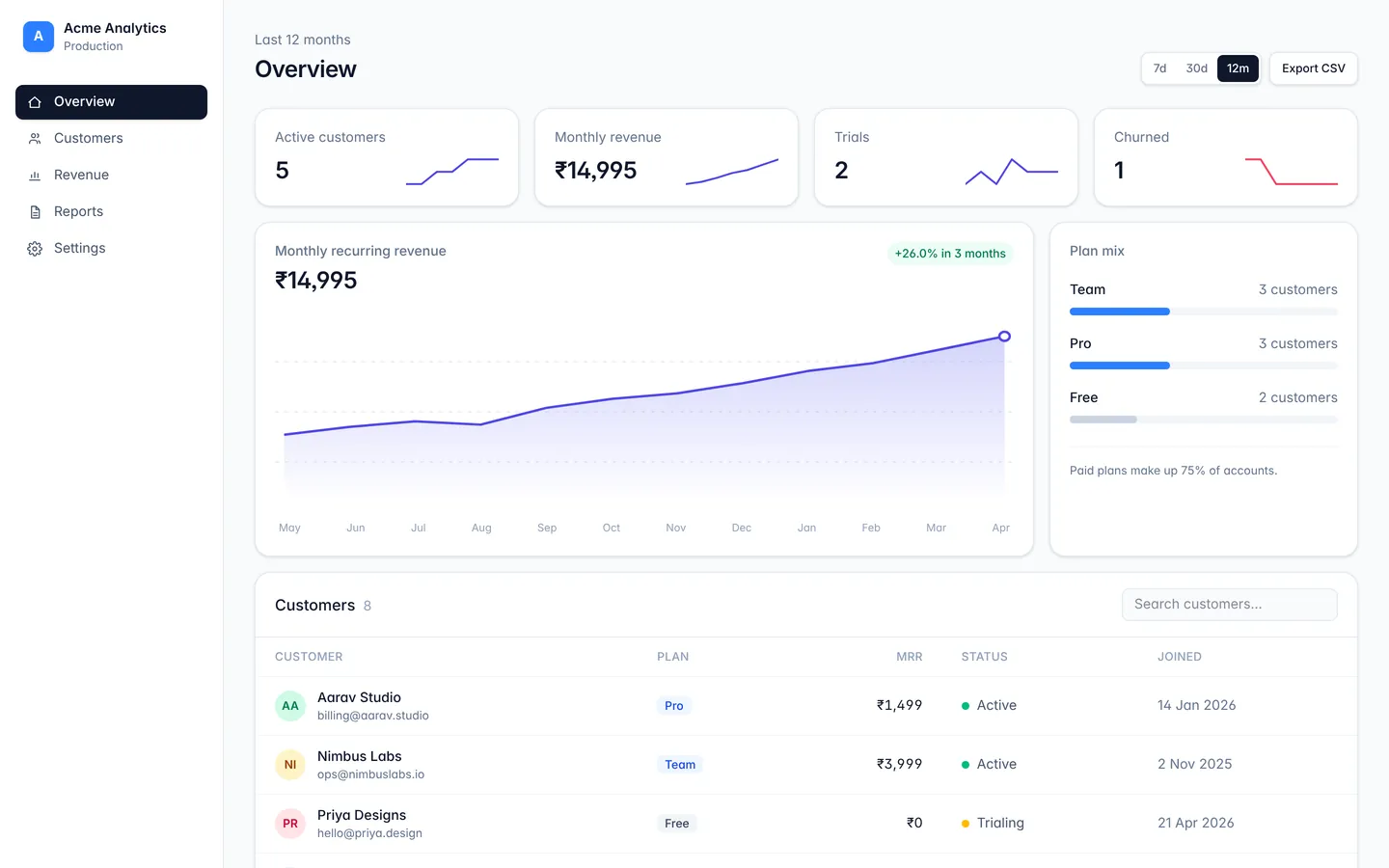
Analytics dashboard
A responsive dashboard layout with sidebar navigation, stat cards, and a data table.
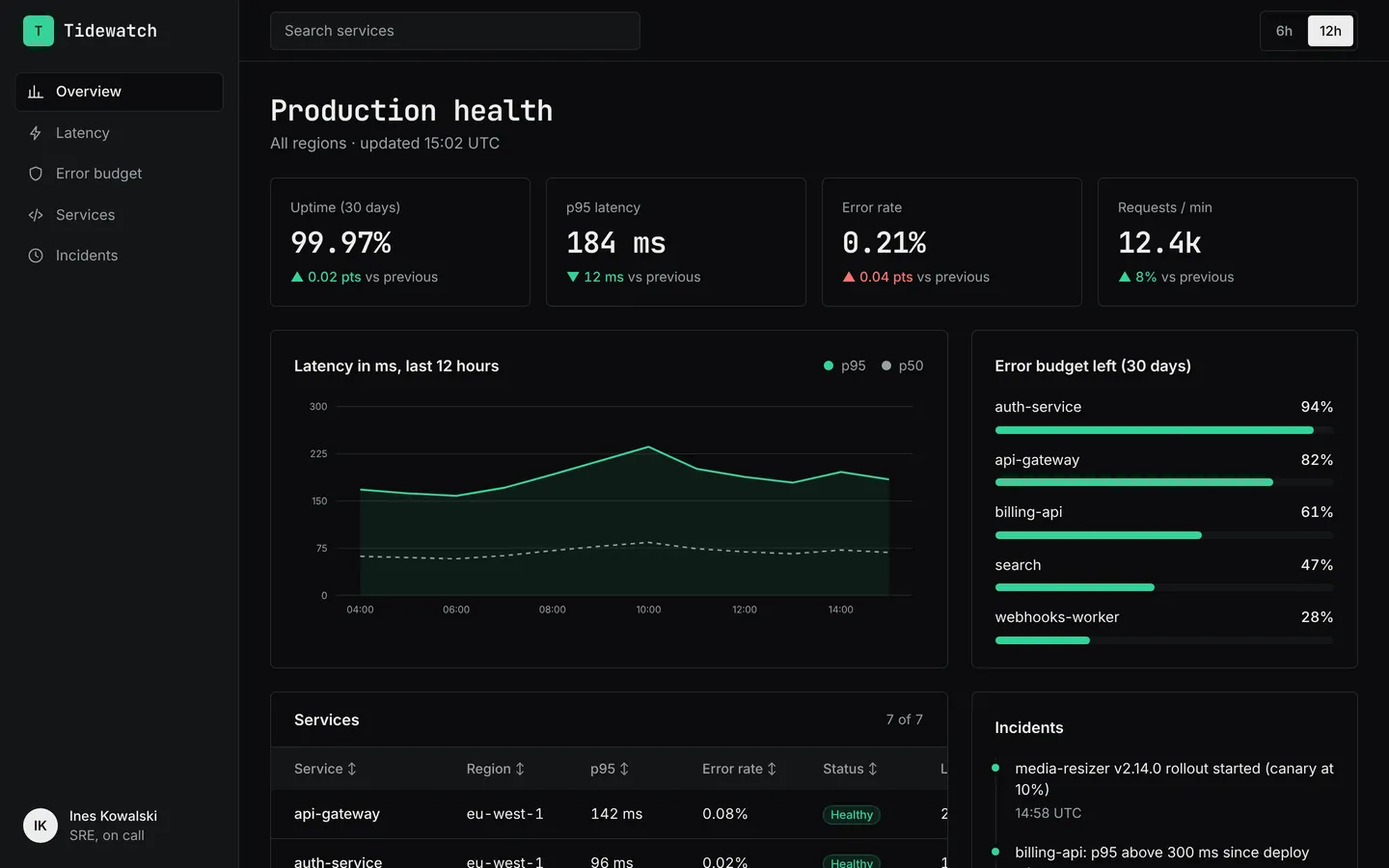
API monitoring
Latency, error rates, uptime and service health for an API platform, in a dark on-call layout.
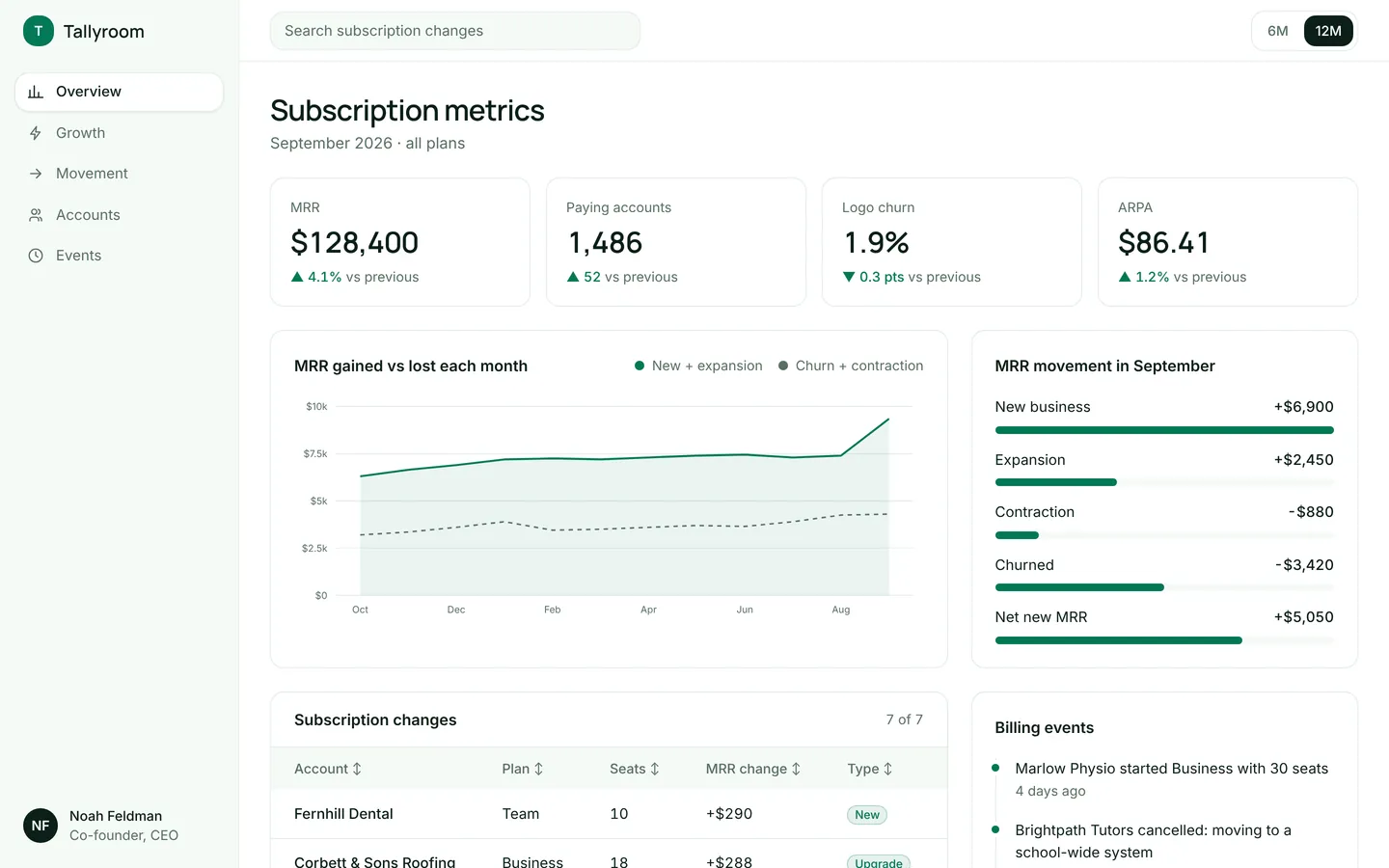
SaaS metrics
MRR, churn, ARPA and a breakdown of new, expansion and churned revenue for a subscription product.
Build on Marketing campaigns
Create a free account, start from this template, and ask the AI agent to turn it into your app.