Portfolios · React
Product designer
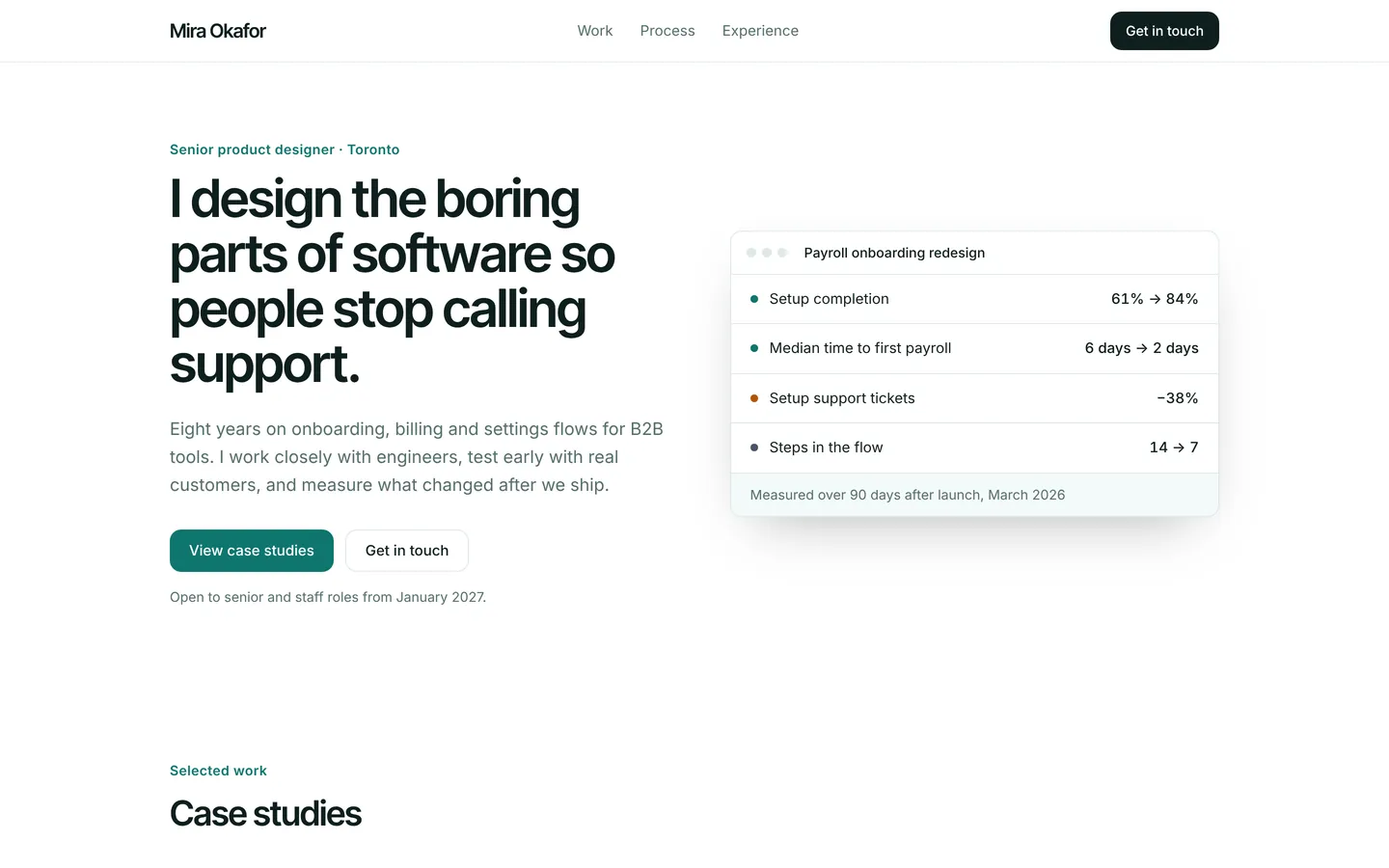
Case-study portfolio for a product designer, with process, experience timeline and references.
What you get
A clean portfolio for a product or UX designer: four case studies with outcomes, a three-step process, an experience timeline, references from colleagues and a contact form for new roles. All content lives in src/site.ts.
Files
Exactly what is copied into a new project: 13 files, nothing generated.
Explorer 13
import { useState } from "react";import { site } from "./site";import { SectionView } from "./Sections"; export default function App() { const [menu, setMenu] = useState(false); return ( <div className="min-h-screen bg-bg font-body text-fg antialiased"> <header className="sticky top-0 z-40 border-b border-line bg-bg/90 backdrop-blur"> <div className="mx-auto flex h-16 w-full max-w-6xl items-center justify-between gap-6 px-5 sm:px-8"> <a href="#" className="font-heading text-xl font-semibold tracking-tight"> {site.brand} </a> <nav aria-label="Main" className="hidden items-center gap-7 text-[15px] md:flex"> {site.nav.map((l) => ( <a key={l.href} href={l.href} className="text-muted transition hover:text-fg"> {l.label} </a> ))} </nav> <div className="flex items-center gap-3"> {site.navCta ? ( <a href={site.navCta.href} className="hidden h-10 items-center rounded-card bg-fg px-4 text-sm font-medium text-bg hover:opacity-90 sm:inline-flex"> {site.navCta.label} </a> ) : null} <button type="button" className="grid h-10 w-10 place-items-center rounded-card border border-line md:hidden" aria-expanded={menu} aria-label="Menu" onClick={() => setMenu((m) => !m)}> <span className="block h-0.5 w-4 bg-fg shadow-[0_5px_0_currentColor,0_-5px_0_currentColor]" /> </button> </div> </div> {menu ? ( <nav aria-label="Mobile" className="border-t border-line px-5 py-3 md:hidden"> {site.nav.map((l) => ( <a key={l.href} href={l.href} onClick={() => setMenu(false)} className="block py-2.5 text-[16px]"> {l.label} </a> ))} </nav> ) : null} </header> <main> {site.sections.map((s, i) => ( <SectionView key={i} s={s} /> ))} </main> <footer className="border-t border-line py-14"> <div className="mx-auto grid w-full max-w-6xl gap-10 px-5 sm:px-8 md:grid-cols-[1.4fr_repeat(3,1fr)]"> <div> <p className="font-heading text-xl font-semibold">{site.brand}</p> <p className="mt-3 max-w-sm text-muted">{site.footer.text}</p> </div> {(site.footer.columns ?? []).map((c) => ( <div key={c.title}> <p className="text-sm font-semibold">{c.title}</p> <ul className="mt-3 space-y-2 text-[15px] text-muted"> {c.links.map((l) => ( <li key={l}>{l}</li> ))} </ul> </div> ))} </div> <p className="mx-auto mt-12 w-full max-w-6xl px-5 text-sm text-muted sm:px-8">{site.footer.legal}</p> </footer> </div> );}Remix
Remix this template
Describe what to change and the agent starts from Product designer's files. The box is already started for you: finish “Start from Product designer and …”
Dependencies
Documented from the template's package.json. The runtime has a prebuilt dependency set for Vite + React + TypeScript, so installs are fast.
- react^19.1.0
- react-dom^19.1.0
- vite^6.3.0
- @vitejs/plugin-react^4.4.0
- tailwindcss^4.1.0
- @tailwindcss/vite^4.1.0
- typescript^5.8.0
How it runs
- Framework
- Vite + React + TypeScript
- Dev command
- npm run dev
- Build command
- npm run build
- Output directory
- dist
- Port
- 5173
- Entry route
- /
Projects run in an isolated sandbox with a live preview. Read the projects documentation for settings, snapshots and deployment.
Keep browsing
All templates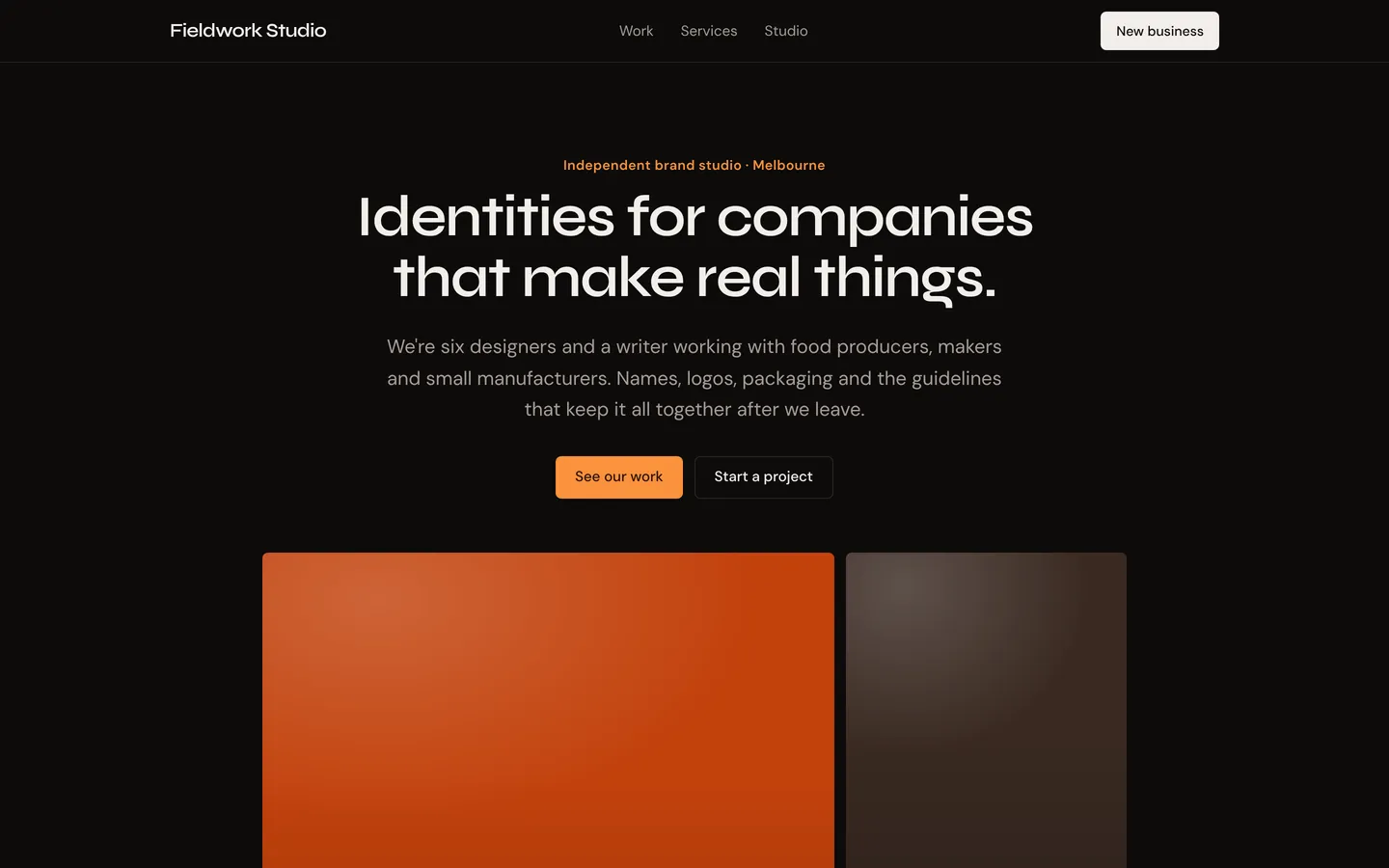
Brand design studio
Bold dark site for an independent brand and identity studio, with case work, services and team.
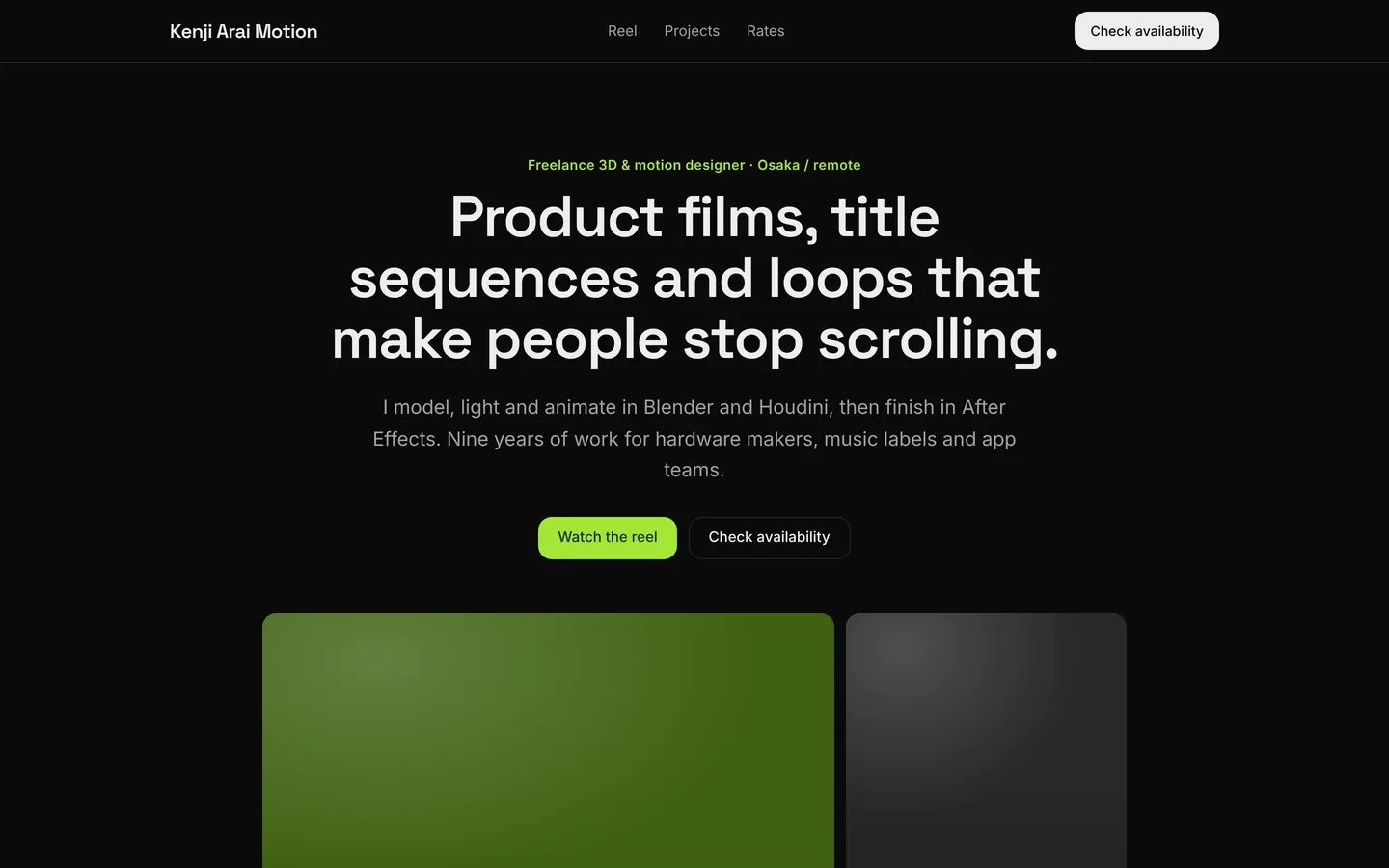
3D & motion designer
High-contrast dark portfolio for a 3D and motion designer, with reels, projects, rates and process.
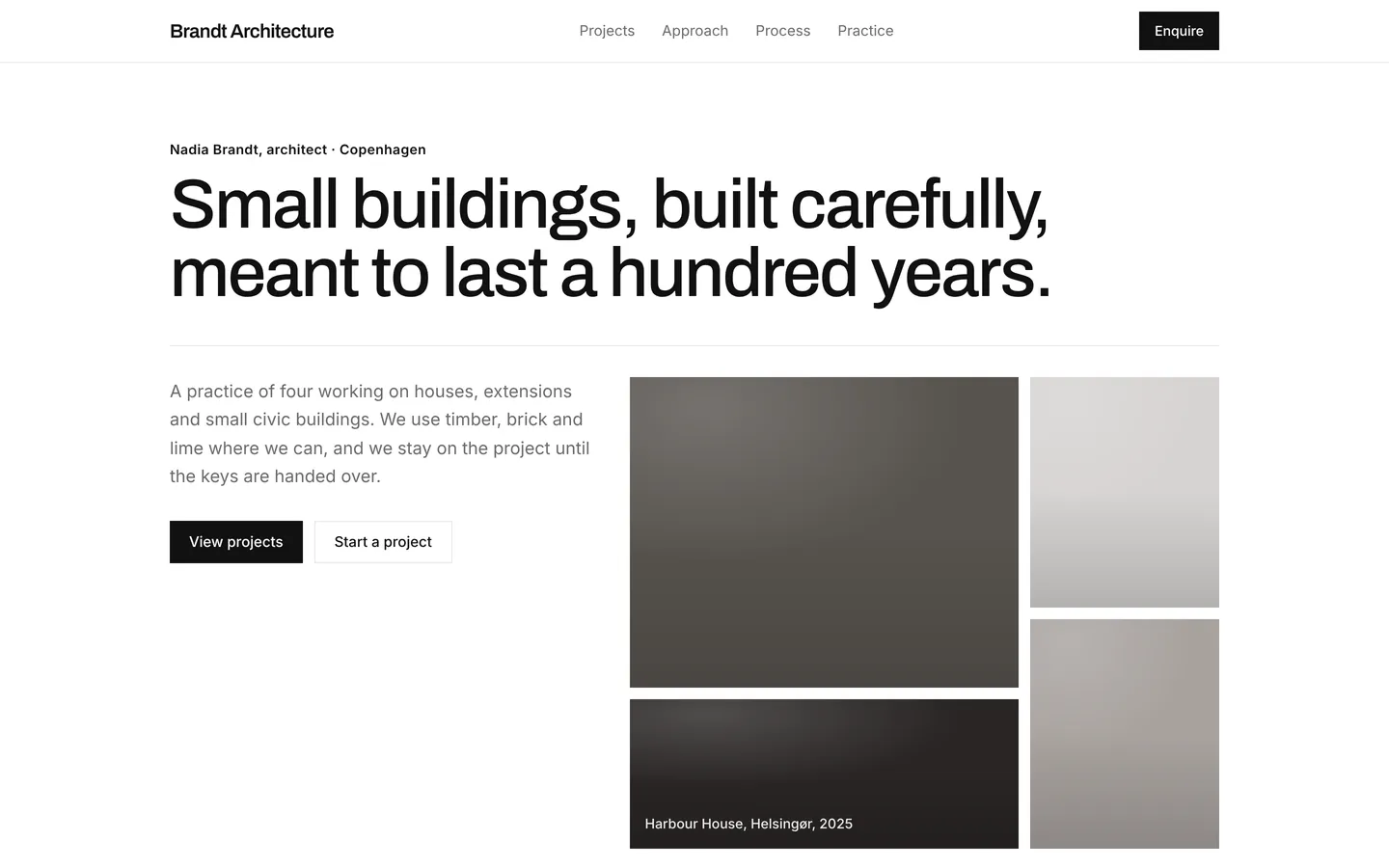
Architecture practice
Minimal, square-cornered portfolio for a small architecture practice with projects and process.
Build on Product designer
Create a free account, start from this template, and ask the AI agent to turn it into your app.