Websites · React
Architecture studio
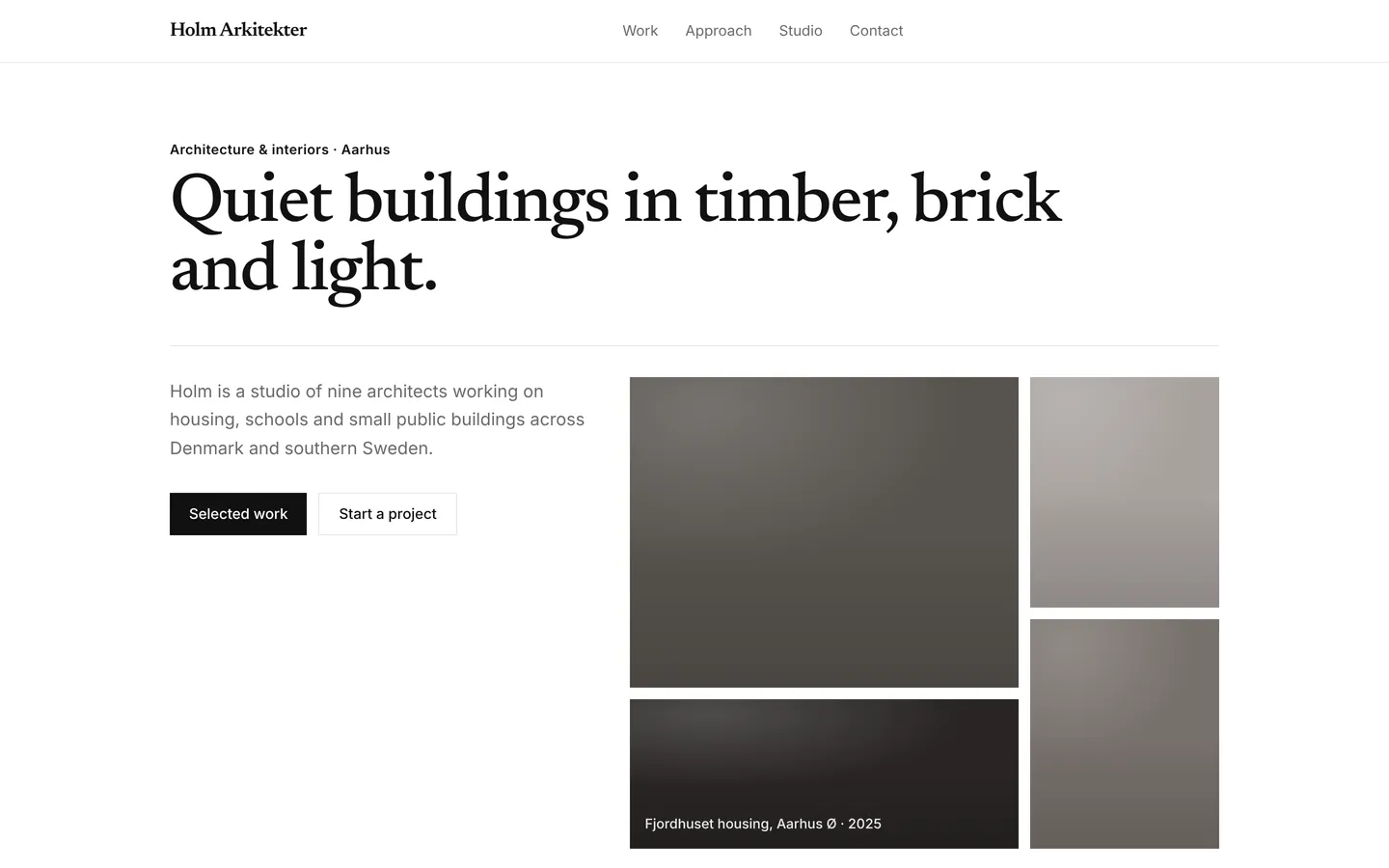
Editorial architecture practice site with selected projects, the studio's approach, a short history and the team.
What you get
A portfolio-led site for an architecture practice: a large editorial hero, selected built work, how the studio approaches a brief, key moments, the team and a project enquiry form. All content lives in src/site.ts.
Files
Exactly what is copied into a new project: 13 files, nothing generated.
Explorer 13
import { useState } from "react";import { site } from "./site";import { SectionView } from "./Sections"; export default function App() { const [menu, setMenu] = useState(false); return ( <div className="min-h-screen bg-bg font-body text-fg antialiased"> <header className="sticky top-0 z-40 border-b border-line bg-bg/90 backdrop-blur"> <div className="mx-auto flex h-16 w-full max-w-6xl items-center justify-between gap-6 px-5 sm:px-8"> <a href="#" className="font-heading text-xl font-semibold tracking-tight"> {site.brand} </a> <nav aria-label="Main" className="hidden items-center gap-7 text-[15px] md:flex"> {site.nav.map((l) => ( <a key={l.href} href={l.href} className="text-muted transition hover:text-fg"> {l.label} </a> ))} </nav> <div className="flex items-center gap-3"> {site.navCta ? ( <a href={site.navCta.href} className="hidden h-10 items-center rounded-card bg-fg px-4 text-sm font-medium text-bg hover:opacity-90 sm:inline-flex"> {site.navCta.label} </a> ) : null} <button type="button" className="grid h-10 w-10 place-items-center rounded-card border border-line md:hidden" aria-expanded={menu} aria-label="Menu" onClick={() => setMenu((m) => !m)}> <span className="block h-0.5 w-4 bg-fg shadow-[0_5px_0_currentColor,0_-5px_0_currentColor]" /> </button> </div> </div> {menu ? ( <nav aria-label="Mobile" className="border-t border-line px-5 py-3 md:hidden"> {site.nav.map((l) => ( <a key={l.href} href={l.href} onClick={() => setMenu(false)} className="block py-2.5 text-[16px]"> {l.label} </a> ))} </nav> ) : null} </header> <main> {site.sections.map((s, i) => ( <SectionView key={i} s={s} /> ))} </main> <footer className="border-t border-line py-14"> <div className="mx-auto grid w-full max-w-6xl gap-10 px-5 sm:px-8 md:grid-cols-[1.4fr_repeat(3,1fr)]"> <div> <p className="font-heading text-xl font-semibold">{site.brand}</p> <p className="mt-3 max-w-sm text-muted">{site.footer.text}</p> </div> {(site.footer.columns ?? []).map((c) => ( <div key={c.title}> <p className="text-sm font-semibold">{c.title}</p> <ul className="mt-3 space-y-2 text-[15px] text-muted"> {c.links.map((l) => ( <li key={l}>{l}</li> ))} </ul> </div> ))} </div> <p className="mx-auto mt-12 w-full max-w-6xl px-5 text-sm text-muted sm:px-8">{site.footer.legal}</p> </footer> </div> );}Remix
Remix this template
Describe what to change and the agent starts from Architecture studio's files. The box is already started for you: finish “Start from Architecture studio and …”
Dependencies
Documented from the template's package.json. The runtime has a prebuilt dependency set for Vite + React + TypeScript, so installs are fast.
- react^19.1.0
- react-dom^19.1.0
- vite^6.3.0
- @vitejs/plugin-react^4.4.0
- tailwindcss^4.1.0
- @tailwindcss/vite^4.1.0
- typescript^5.8.0
How it runs
- Framework
- Vite + React + TypeScript
- Dev command
- npm run dev
- Build command
- npm run build
- Output directory
- dist
- Port
- 5173
- Entry route
- /
Projects run in an isolated sandbox with a live preview. Read the projects documentation for settings, snapshots and deployment.
Keep browsing
All templates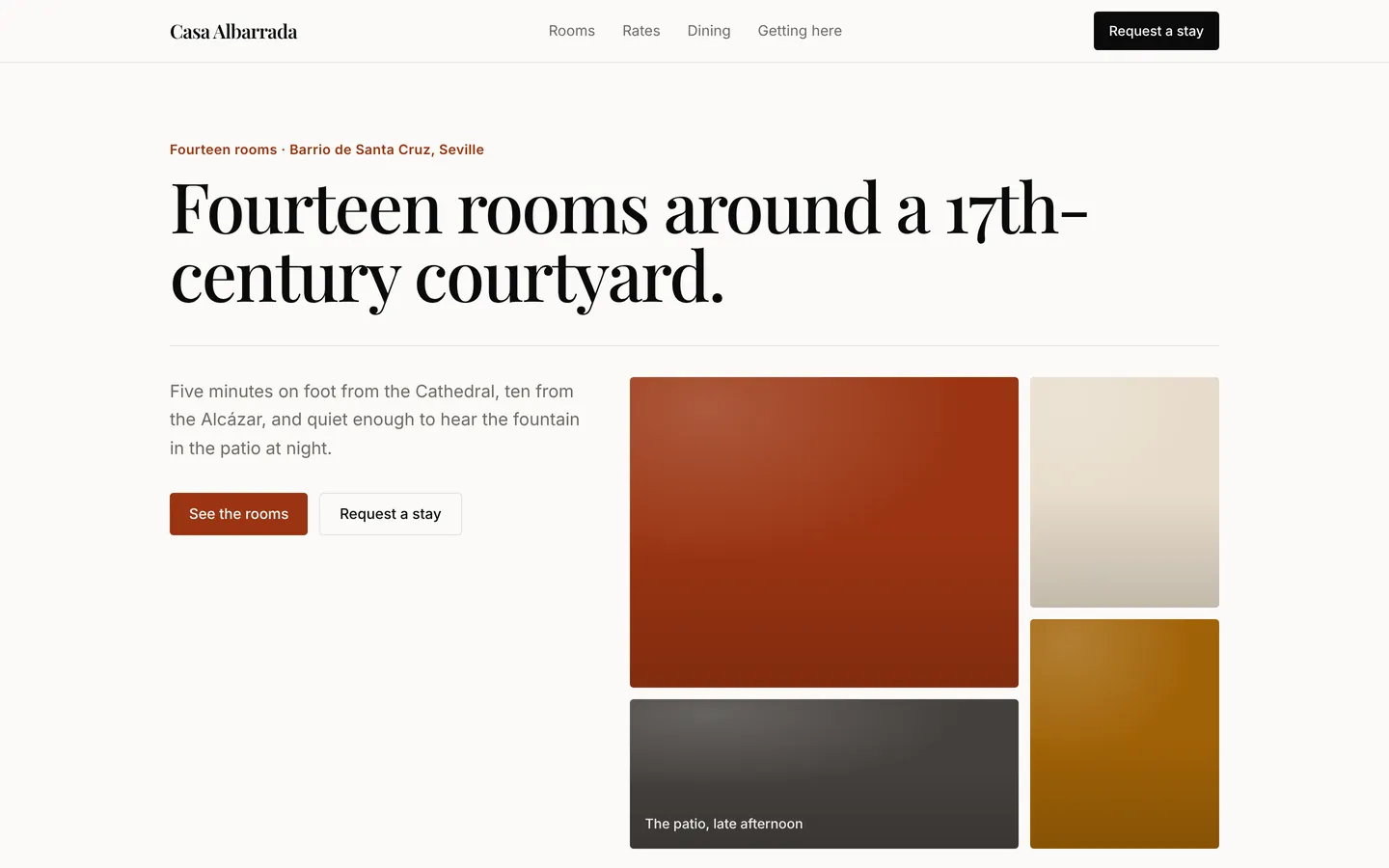
Boutique hotel
Elegant small-hotel website with rooms and rates, the restaurant, guest notes, arrival details and a stay request form.
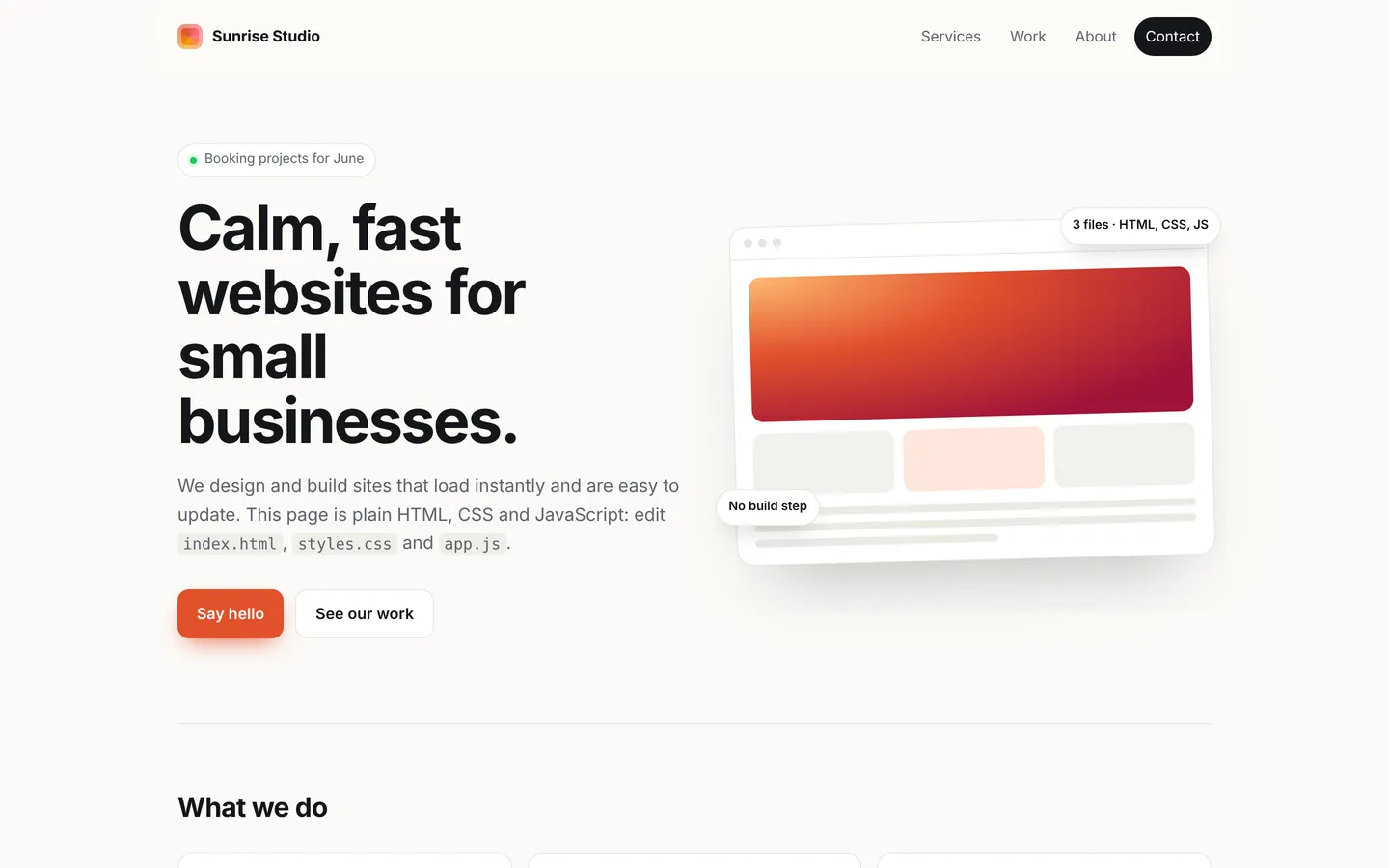
Static website
Plain HTML, CSS, and JavaScript with no build step. Ideal for simple sites and learning.
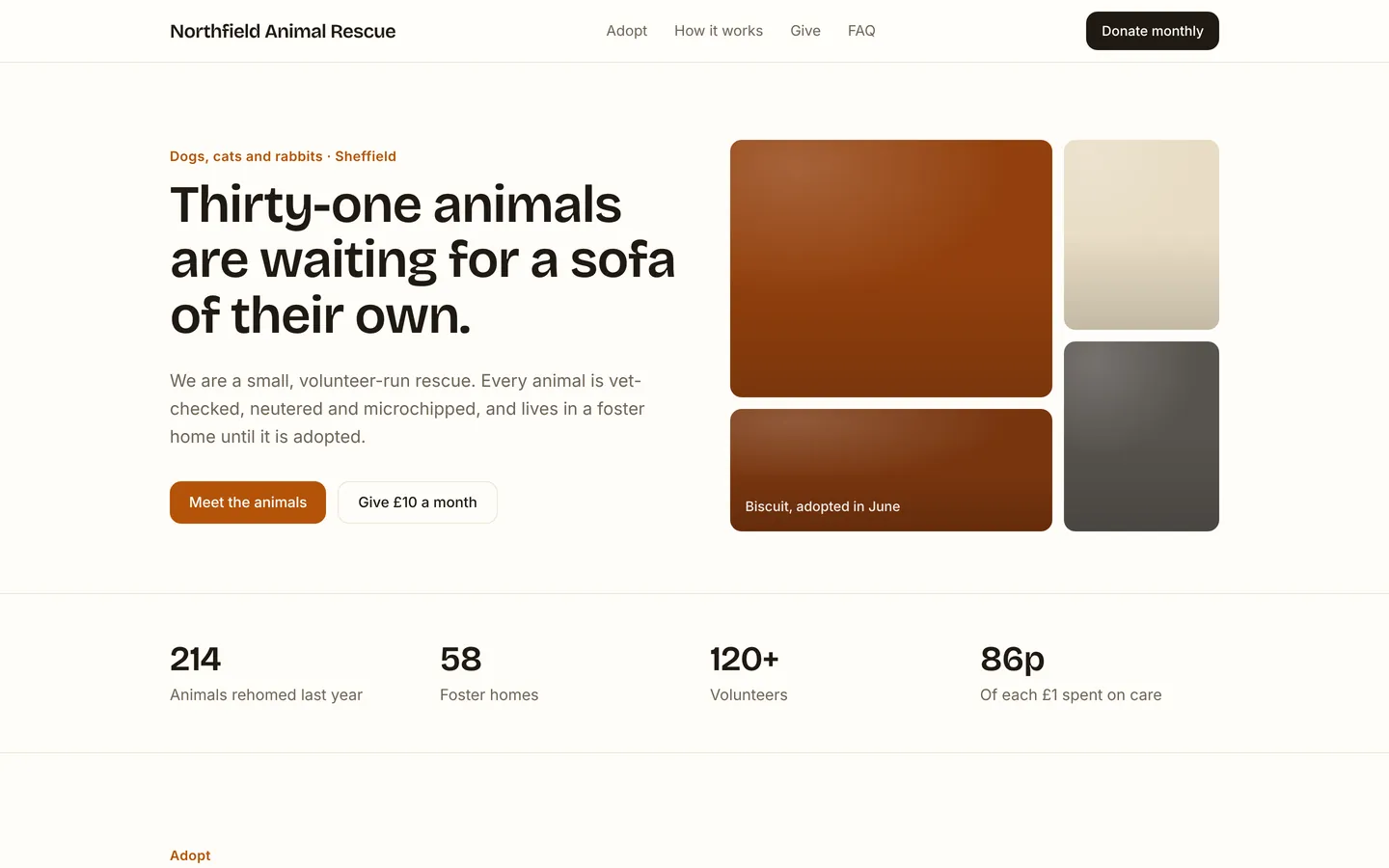
Animal rescue charity
Warm animal rescue site with animals looking for homes, how adoption works, monthly giving and volunteer sign-up.
Build on Architecture studio
Create a free account, start from this template, and ask the AI agent to turn it into your app.