Web apps · React
Content calendar
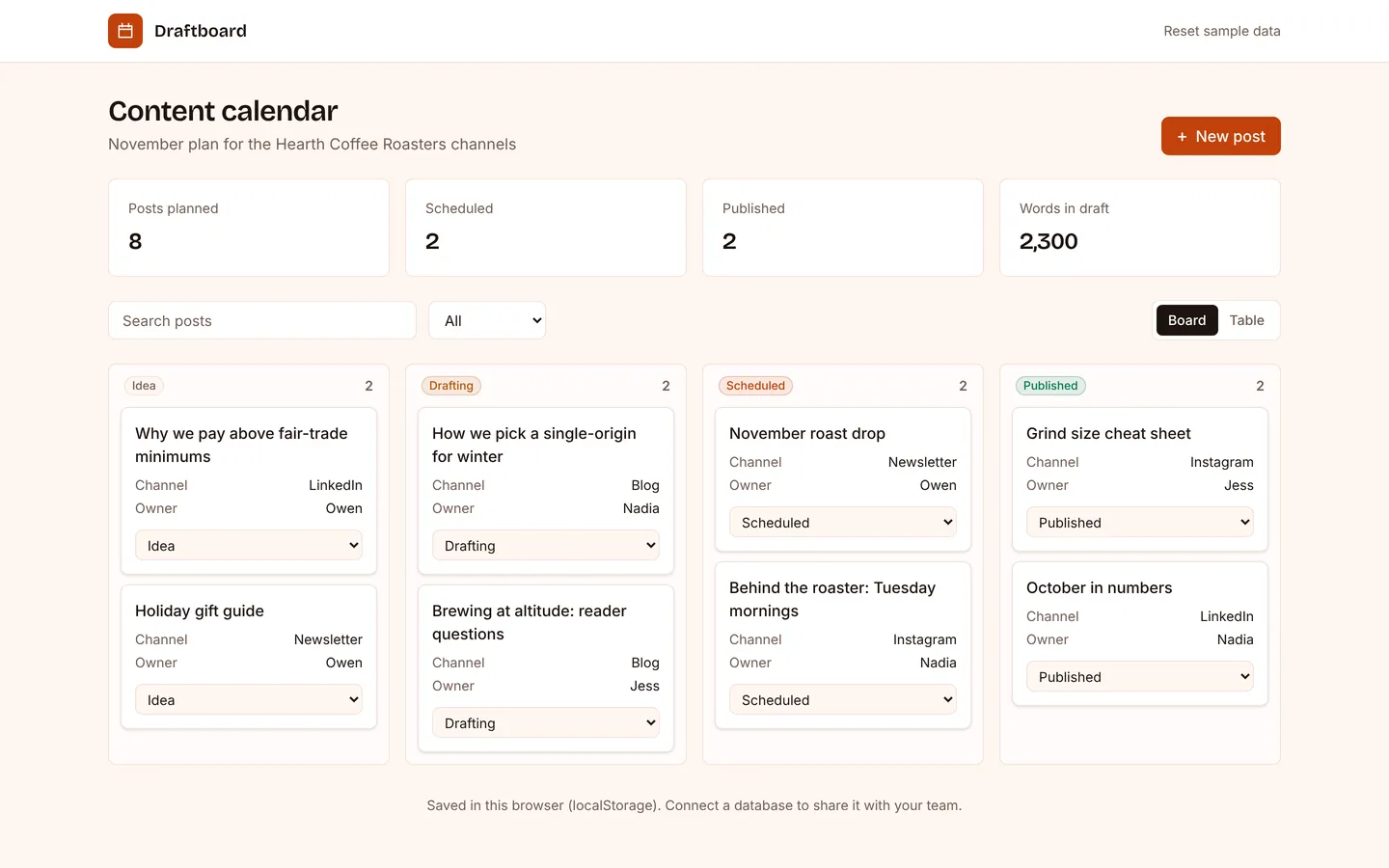
Plan posts and newsletters by channel and date, and move them from idea to published.
What you get
An editorial calendar for a small brand: every blog post, newsletter and social post with its channel, owner and publish date, on a board from idea to published. The channels, stages and sample posts live in src/app.ts.
Files
Exactly what is copied into a new project: 12 files, nothing generated.
Explorer 12
import { StrictMode } from "react";import { createRoot } from "react-dom/client";import "./index.css";import App from "./App"; createRoot(document.getElementById("root")!).render( <StrictMode> <App /> </StrictMode>,);Remix
Remix this template
Describe what to change and the agent starts from Content calendar's files. The box is already started for you: finish “Start from Content calendar and …”
Dependencies
Documented from the template's package.json. The runtime has a prebuilt dependency set for Vite + React + TypeScript, so installs are fast.
- react^19.1.0
- react-dom^19.1.0
- vite^6.3.0
- @vitejs/plugin-react^4.4.0
- tailwindcss^4.1.0
- @tailwindcss/vite^4.1.0
- typescript^5.8.0
How it runs
- Framework
- Vite + React + TypeScript
- Dev command
- npm run dev
- Build command
- npm run build
- Output directory
- dist
- Port
- 5173
- Entry route
- /
Projects run in an isolated sandbox with a live preview. Read the projects documentation for settings, snapshots and deployment.
Keep browsing
All templates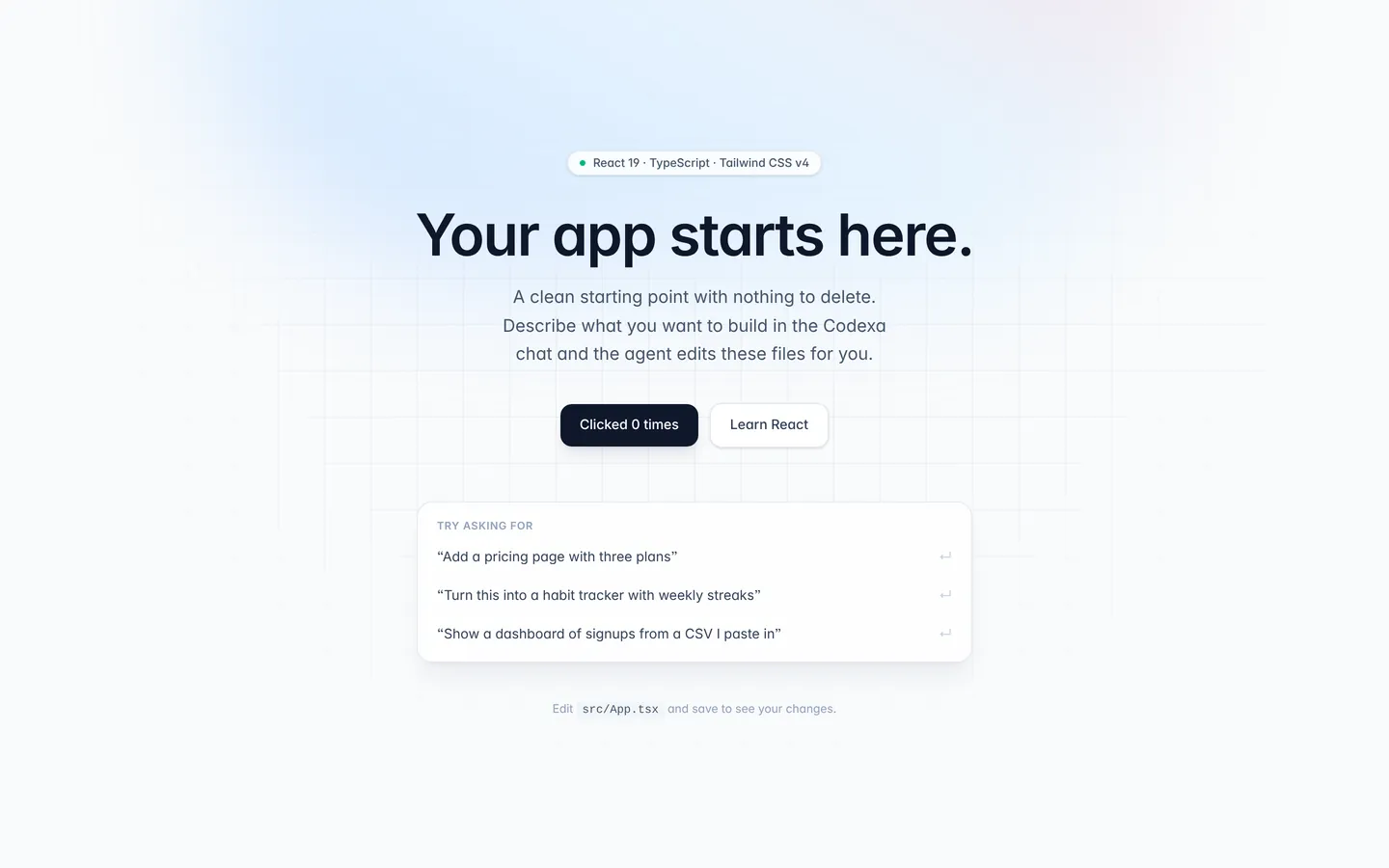
React starter
A clean React + TypeScript + Tailwind single-page app. The default target for AI generation.
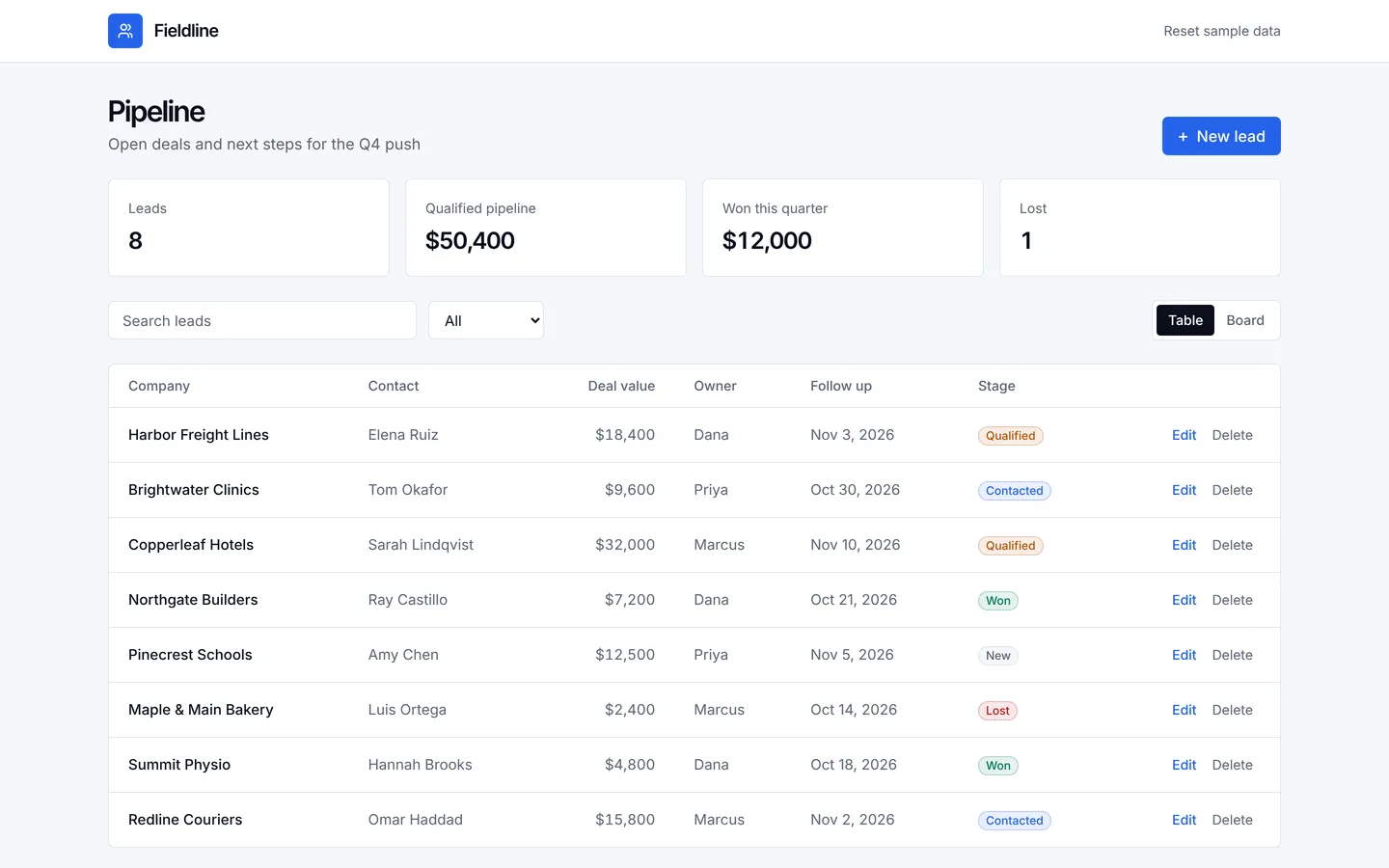
Sales leads CRM
A lean CRM for a small sales team: leads, deal values, next follow-ups and a pipeline board.
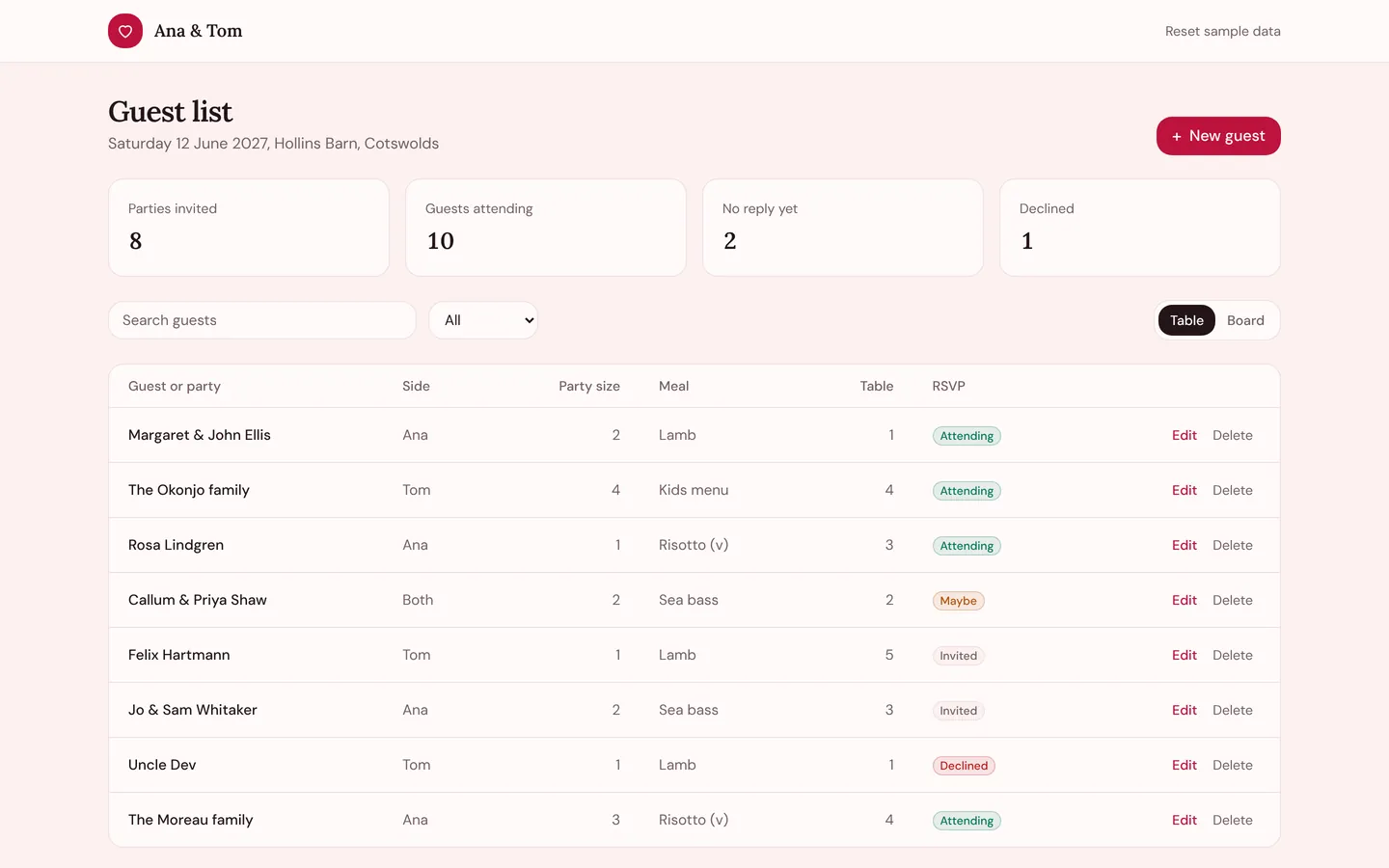
Wedding guest list
Keep the guest list, RSVPs, meal choices and table plan for the big day in one place.
Build on Content calendar
Create a free account, start from this template, and ask the AI agent to turn it into your app.