Landing pages · React
Browser extension
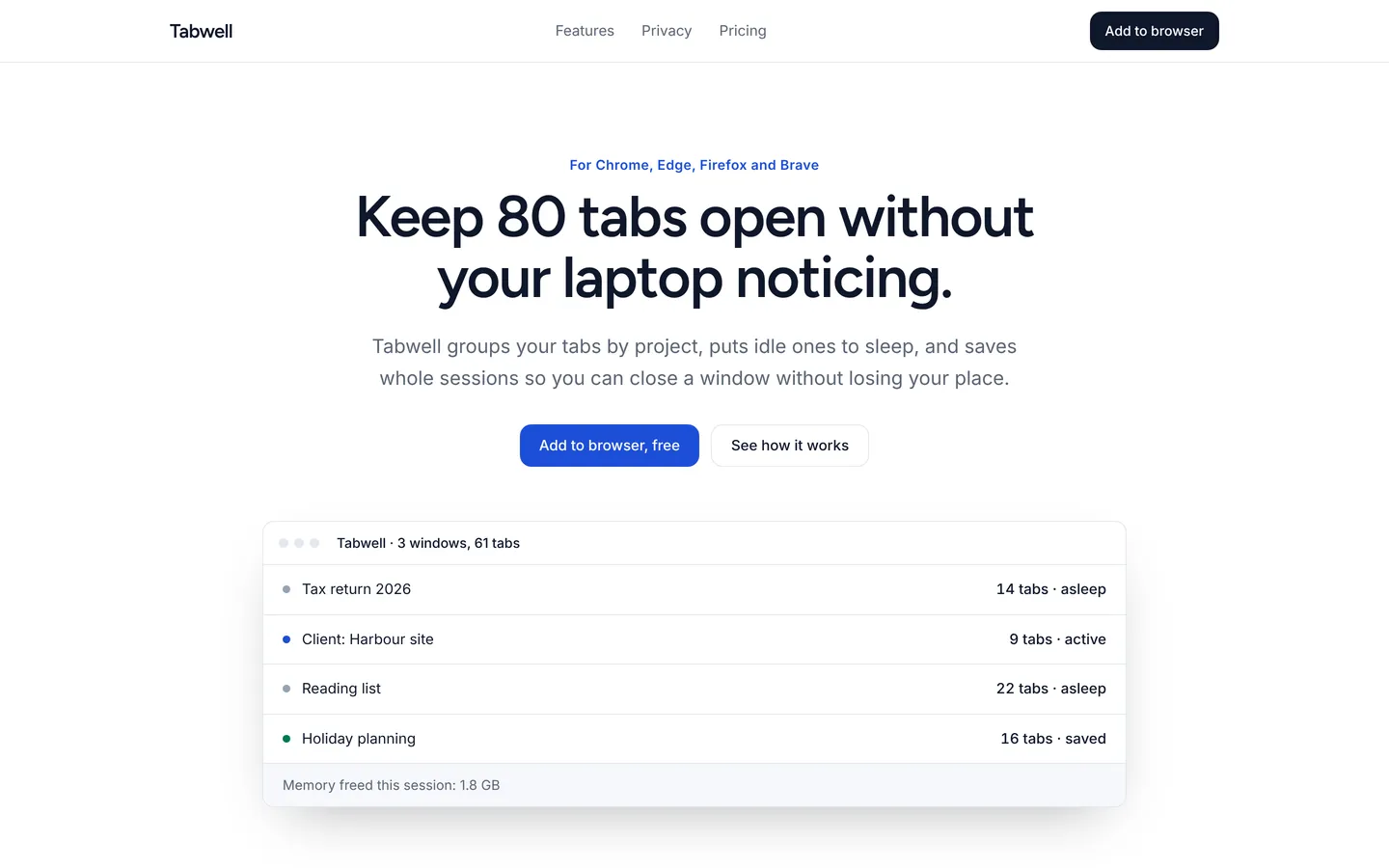
Clean install page for a tab-management browser extension with features, privacy promise, free and Pro plans, and an FAQ.
What you get
A product page for a browser extension: a centred hero with an extension preview, features, a privacy section, usage numbers, user quotes, free and Pro plans, an FAQ and an install call to action. All content lives in src/site.ts.
Files
Exactly what is copied into a new project: 13 files, nothing generated.
Explorer 13
@import "tailwindcss"; /* Theme: change these to restyle the whole site. */@theme { --color-bg: #ffffff; --color-surface: #f6f8fb; --color-fg: #0f172a; --color-muted: #5b6576; --color-line: #e3e8ef; --color-accent: #1d4ed8; --color-accent-fg: #ffffff; --color-good: #047857; --color-warn: #b45309; --color-bad: #b91c1c; --font-heading: "Figtree", ui-sans-serif, system-ui, -apple-system, "Segoe UI", Roboto, sans-serif; --font-body: "Inter", ui-sans-serif, system-ui, -apple-system, "Segoe UI", Roboto, sans-serif; --radius-card: 12px;} html { color-scheme: light; scroll-behavior: smooth; background: var(--color-bg);} body { font-family: var(--font-body); -webkit-font-smoothing: antialiased; text-rendering: optimizeLegibility;} ::selection { background: color-mix(in srgb, var(--color-accent) 22%, transparent);}Remix
Remix this template
Describe what to change and the agent starts from Browser extension's files. The box is already started for you: finish “Start from Browser extension and …”
Dependencies
Documented from the template's package.json. The runtime has a prebuilt dependency set for Vite + React + TypeScript, so installs are fast.
- react^19.1.0
- react-dom^19.1.0
- vite^6.3.0
- @vitejs/plugin-react^4.4.0
- tailwindcss^4.1.0
- @tailwindcss/vite^4.1.0
- typescript^5.8.0
How it runs
- Framework
- Vite + React + TypeScript
- Dev command
- npm run dev
- Build command
- npm run build
- Output directory
- dist
- Port
- 5173
- Entry route
- /
Projects run in an isolated sandbox with a live preview. Read the projects documentation for settings, snapshots and deployment.
Keep browsing
All templates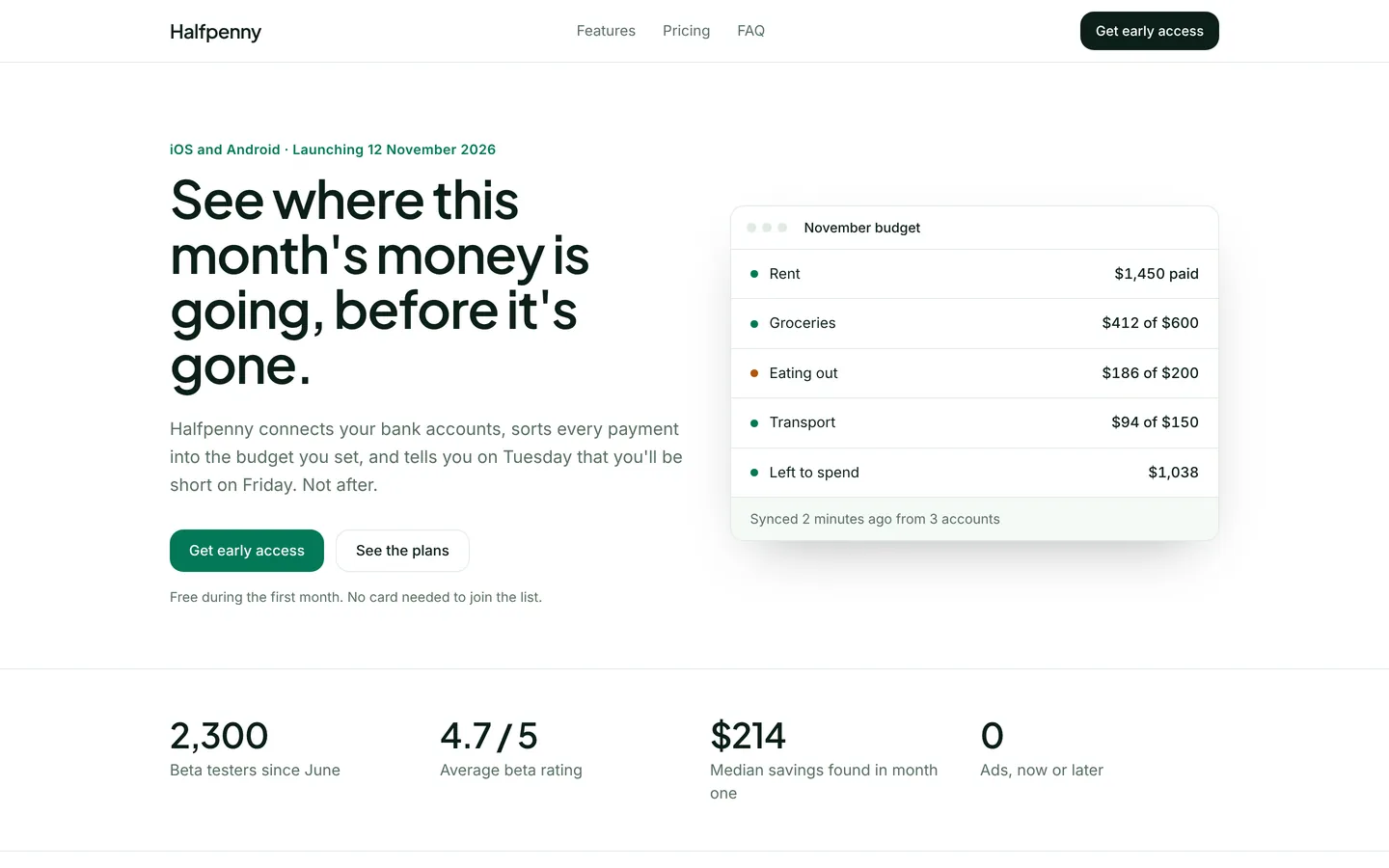
Budgeting app launch
Launch page for a household budgeting app with a live budget mock, pricing, beta reviews and an early-access form.
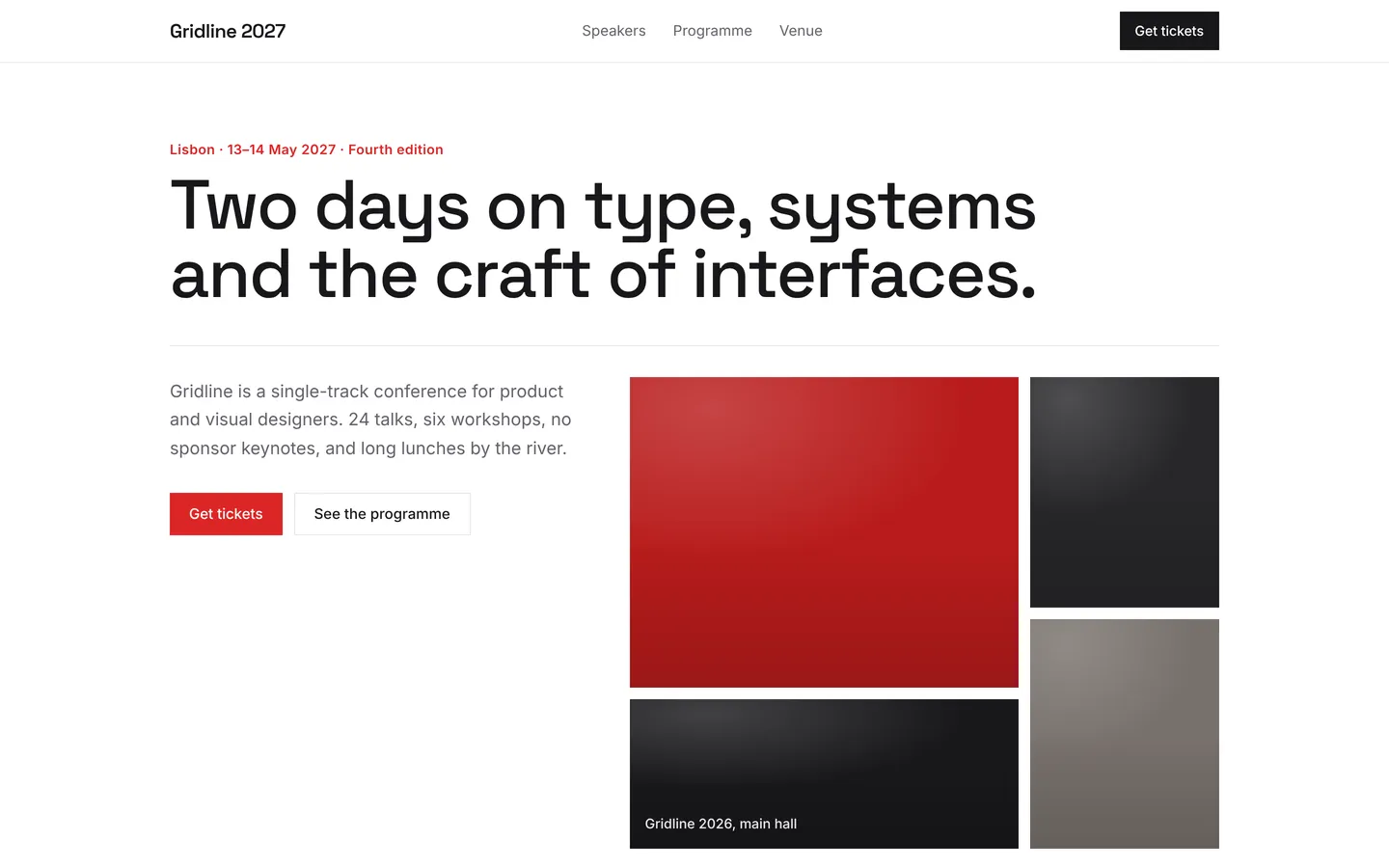
Design conference
Bold two-day design conference page with speakers, programme, venue, ticket tiers and an FAQ, ready for ticket sales.
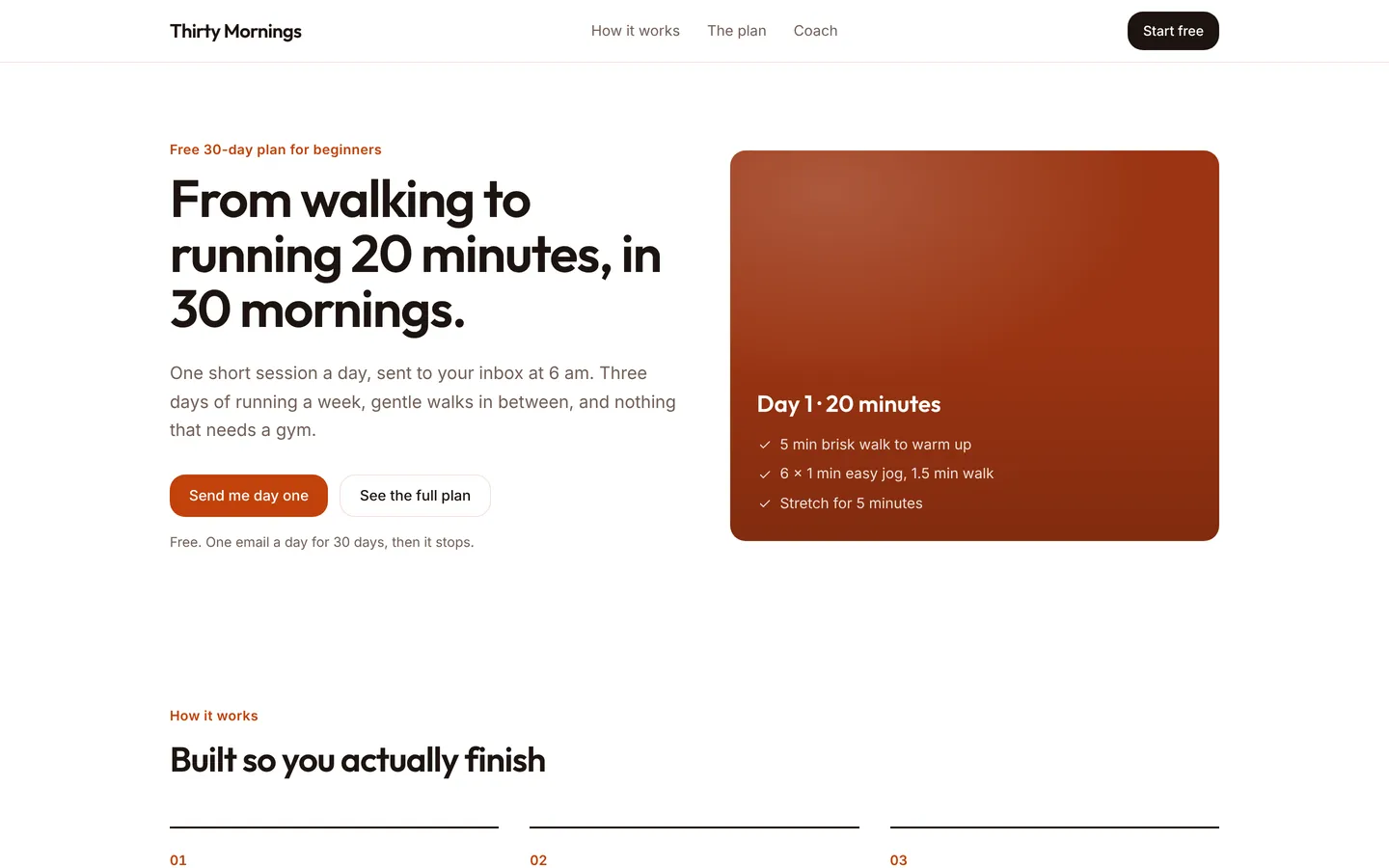
30-day running plan
Friendly sign-up page for a free 30-day plan that takes beginners from walking to running 20 minutes without stopping.
Build on Browser extension
Create a free account, start from this template, and ask the AI agent to turn it into your app.