Landing pages · React
Browser extension
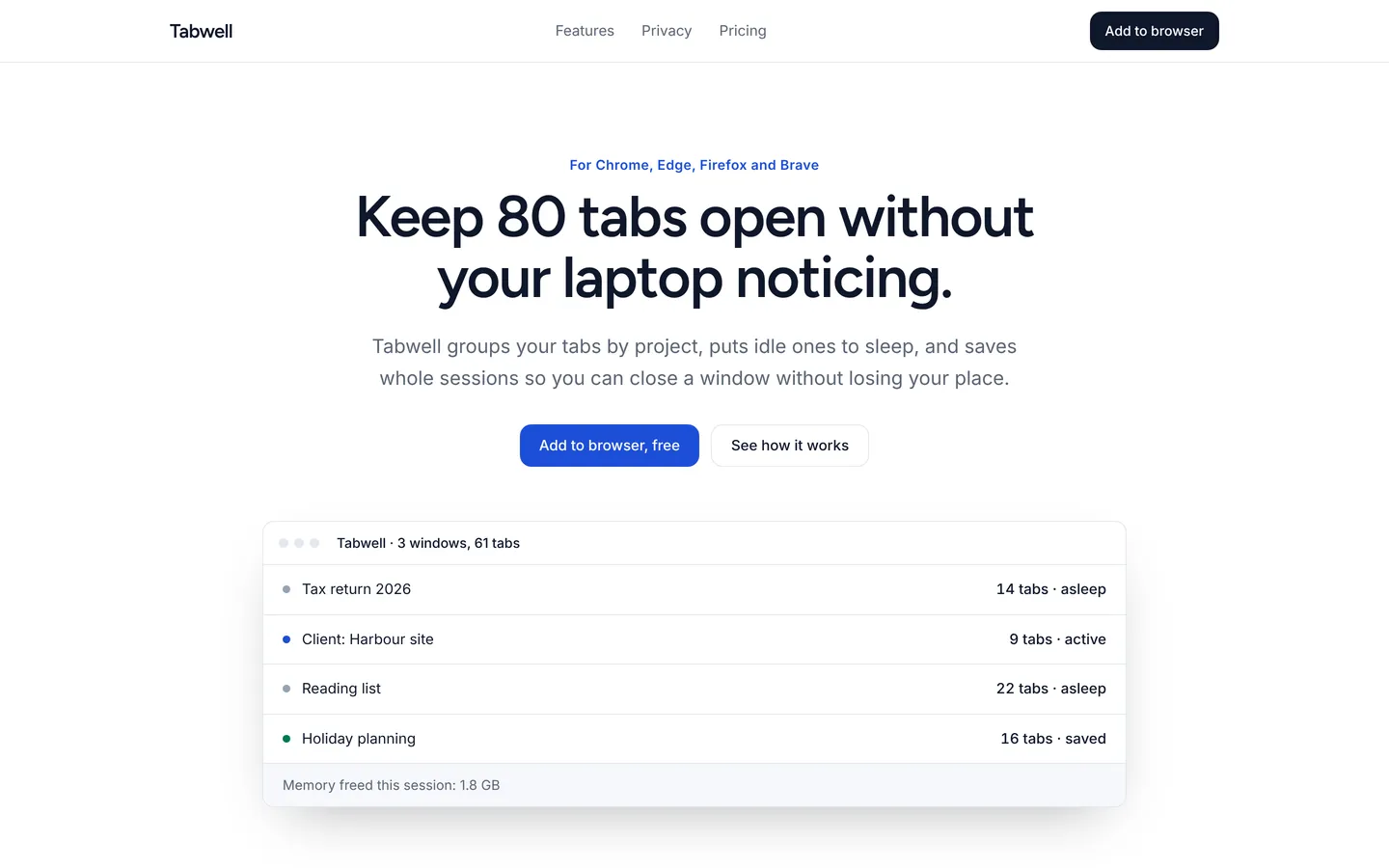
Clean install page for a tab-management browser extension with features, privacy promise, free and Pro plans, and an FAQ.
What you get
A product page for a browser extension: a centred hero with an extension preview, features, a privacy section, usage numbers, user quotes, free and Pro plans, an FAQ and an install call to action. All content lives in src/site.ts.
Files
Exactly what is copied into a new project: 13 files, nothing generated.
Explorer 13
import type { Site } from "./types"; /** Everything this site shows. Edit freely. */export const site: Site = { "brand": "Tabwell", "nav": [ { "label": "Features", "href": "#features" }, { "label": "Privacy", "href": "#privacy" }, { "label": "Pricing", "href": "#pricing" } ], "navCta": { "label": "Add to browser", "href": "#install" }, "sections": [ { "kind": "hero", "variant": "center", "eyebrow": "For Chrome, Edge, Firefox and Brave", "title": "Keep 80 tabs open without your laptop noticing.", "text": "Tabwell groups your tabs by project, puts idle ones to sleep, and saves whole sessions so you can close a window without losing your place.", "primary": { "label": "Add to browser, free", "href": "#install" }, "secondary": { "label": "See how it works", "href": "#features" }, "visual": { "type": "mock", "title": "Tabwell · 3 windows, 61 tabs", "rows": [ { "label": "Tax return 2026", "value": "14 tabs · asleep", "tone": "#94a3b8" }, { "label": "Client: Harbour site", "value": "9 tabs · active", "tone": "#1d4ed8" }, { "label": "Reading list", "value": "22 tabs · asleep", "tone": "#94a3b8" }, { "label": "Holiday planning", "value": "16 tabs · saved", "tone": "#047857" } ], "footer": "Memory freed this session: 1.8 GB" } }, { "kind": "features", "id": "features", "eyebrow": "Features", "title": "Small tools for people with too many tabs", "columns": 3, "items": [ { "title": "Project groups", "text": "Drag tabs into named groups, or let Tabwell suggest groups by site.", "icon": "box" }, { "title": "Tab sleep", "text": "Tabs you haven't touched in 30 minutes stop using memory. They wake instantly.", "icon": "clock" }, { "title": "Saved sessions", "text": "Close a whole project and reopen it next week exactly as you left it.", "icon": "book" }, { "title": "Quick search", "text": "Press Alt+T to search every open and saved tab by title or address.", "icon": "bolt" }, { "title": "Duplicate cleanup", "text": "One click closes tabs you have open twice. It happens more than you think.", "icon": "check" }, { "title": "Sync between devices", "text": "Pro keeps saved sessions in sync, end-to-end encrypted.", "icon": "globe" } ] }, { "kind": "split", "id": "privacy", "eyebrow": "Privacy", "title": "Your tabs never leave your computer", "text": "Tabwell works entirely on your device. We don't collect browsing history, page contents or the addresses you visit. Sync in Pro is end-to-end encrypted, so we couldn't read it if we tried.", "bullets": [ "No analytics on your browsing", "Open-source sync protocol", "Permissions explained in plain English before install" ], "visual": { "type": "card", "tone": "#1e40af", "title": "What Tabwell can see", "lines": [ "Tab titles and addresses, on your device only", "Nothing about page contents", "No data sold or shared, ever" ] } }, { "kind": "stats", "items": [ { "value": "62,000", "label": "Weekly users" }, { "value": "4.8", "label": "Average store rating" }, { "value": "1.4 GB", "label": "Typical memory saved" }, { "value": "3", "label": "Person team" } ] }, { "kind": "quotes", "eyebrow": "Reviews", "title": "From people with a lot of tabs", "items": [ { "quote": "My laptop fan has stopped sounding like a hairdryer. That's the review.", "name": "Nina S.", "role": "Researcher" }, { "quote": "Saved sessions changed how I work. I close a client at 6 pm and it's all there in the morning.", "name": "Ade O.", "role": "Freelance developer" }, { "quote": "Finally a tab extension that doesn't want my browsing history.", "name": "Martin R.", "role": "Security engineer" } ] }, { "kind": "pricing", "id": "pricing", "eyebrow": "Pricing", "title": "Free for one computer", "text": "Pro adds sync and unlimited saved sessions.", "plans": [ { "name": "Free", "price": "$0", "text": "Everything you need on one browser.", "features": [ "Project groups", "Tab sleep", "10 saved sessions", "Quick search" ], "cta": { "label": "Add to browser", "href": "#install" } }, { "name": "Pro", "price": "$3", "period": "/month", "text": "Or $24 a year. For more than one device.", "features": [ "Everything in Free", "Unlimited saved sessions", "Encrypted sync across devices", "Priority email support" ], "featured": true, "cta": { "label": "Start 14-day Pro trial", "href": "#install" } } ] }, { "kind": "faq", "id": "faq", "eyebrow": "FAQ", "title": "Questions", "items": [ { "q": "Will it slow my browser down?", "a": "No. Tabwell itself uses about 15 MB of memory and frees far more than that by sleeping idle tabs." }, { "q": "Does it work in Safari?", "a": "Not yet. A Safari version is planned for spring 2027." }, { "q": "What happens to my sessions if I uninstall?", "a": "Export them as a list of links first from settings. Uninstalling removes all local data." } ] }, { "kind": "cta", "id": "install", "title": "Add Tabwell in under a minute", "text": "Free for one computer. Pro is $3 a month when you want sync.", "primary": { "label": "Compare plans", "href": "#pricing" }, "secondary": { "label": "Read the FAQ", "href": "#faq" } } ], "footer": { "text": "A small, private tab manager for busy browsers.", "columns": [ { "title": "Product", "links": [ "Features", "Pricing", "Changelog" ] }, { "title": "Trust", "links": [ "Privacy policy", "Permissions", "Sync protocol" ] }, { "title": "Help", "links": [ "FAQ", "support@tabwell.app" ] } ], "legal": "© Tabwell. Sample content: replace it in src/site.ts." }};Remix
Remix this template
Describe what to change and the agent starts from Browser extension's files. The box is already started for you: finish “Start from Browser extension and …”
Dependencies
Documented from the template's package.json. The runtime has a prebuilt dependency set for Vite + React + TypeScript, so installs are fast.
- react^19.1.0
- react-dom^19.1.0
- vite^6.3.0
- @vitejs/plugin-react^4.4.0
- tailwindcss^4.1.0
- @tailwindcss/vite^4.1.0
- typescript^5.8.0
How it runs
- Framework
- Vite + React + TypeScript
- Dev command
- npm run dev
- Build command
- npm run build
- Output directory
- dist
- Port
- 5173
- Entry route
- /
Projects run in an isolated sandbox with a live preview. Read the projects documentation for settings, snapshots and deployment.
Keep browsing
All templates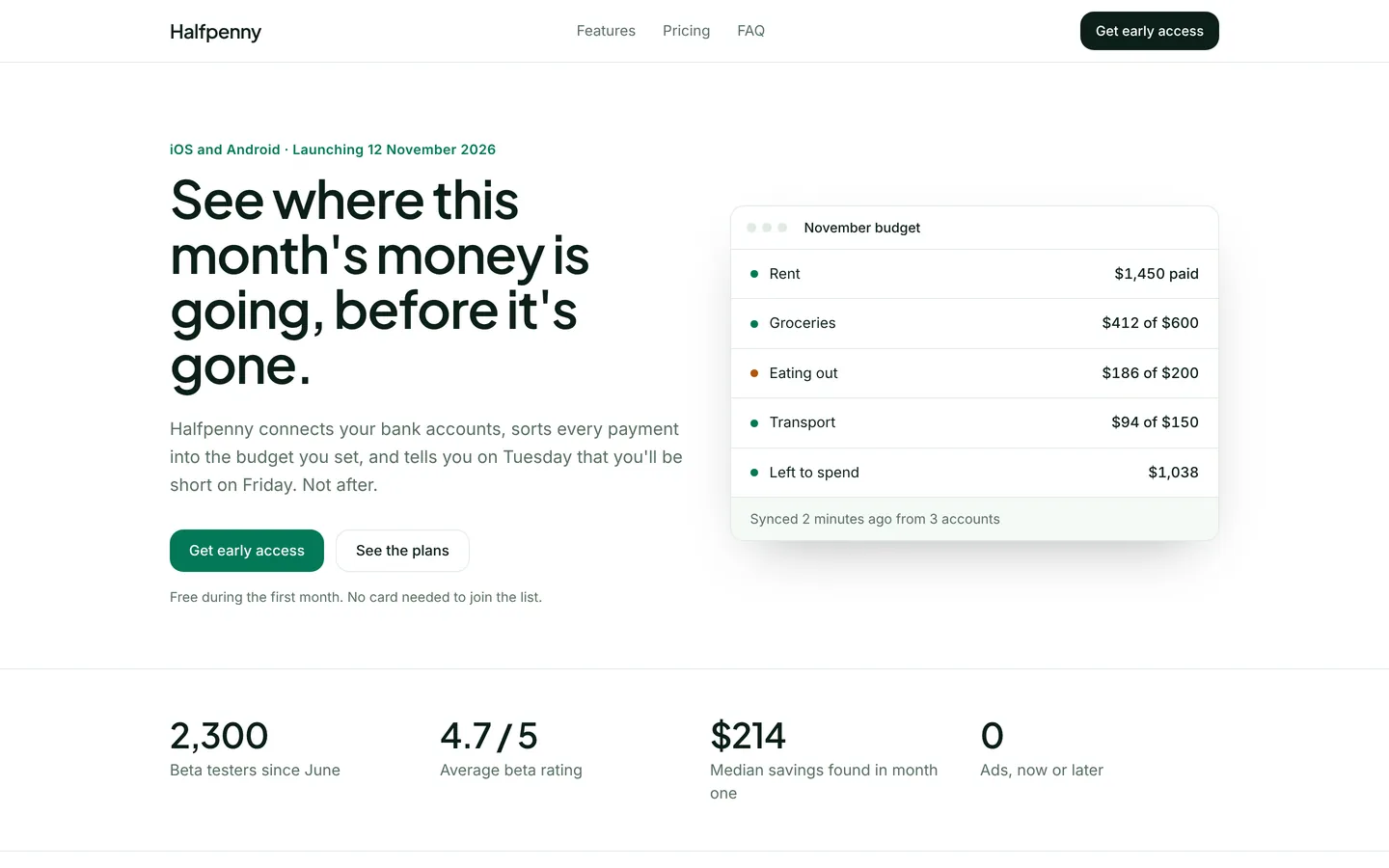
Budgeting app launch
Launch page for a household budgeting app with a live budget mock, pricing, beta reviews and an early-access form.
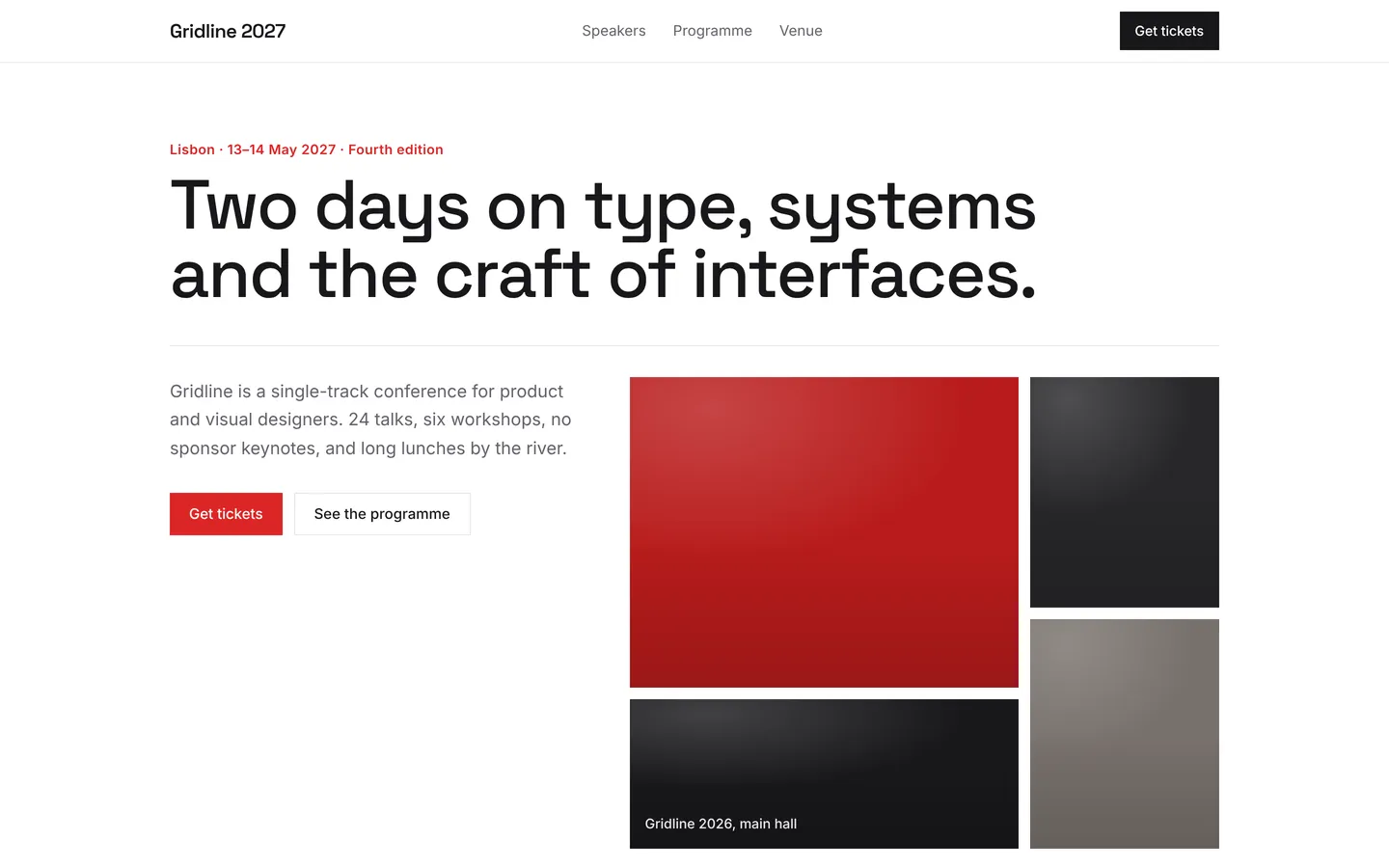
Design conference
Bold two-day design conference page with speakers, programme, venue, ticket tiers and an FAQ, ready for ticket sales.
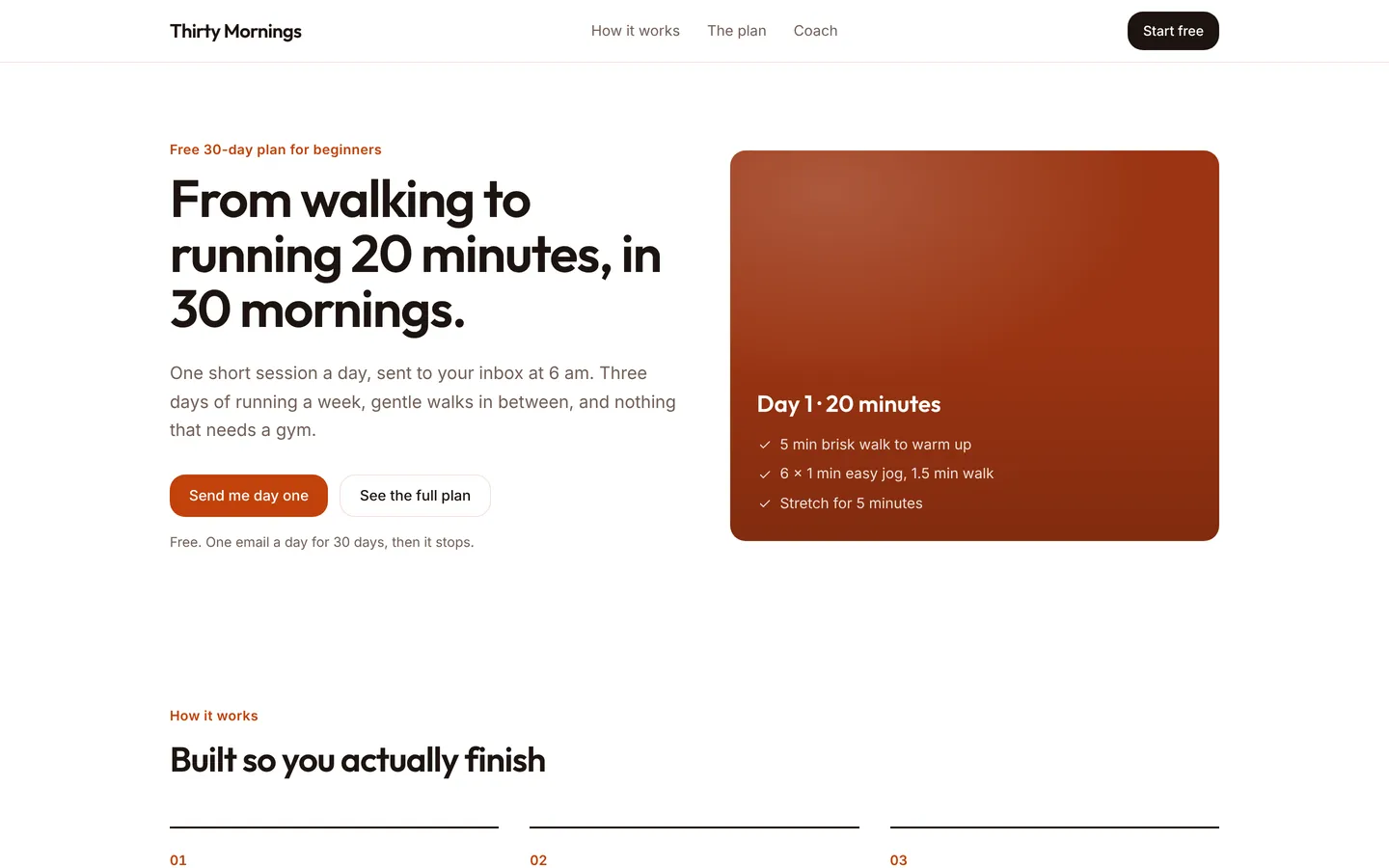
30-day running plan
Friendly sign-up page for a free 30-day plan that takes beginners from walking to running 20 minutes without stopping.
Build on Browser extension
Create a free account, start from this template, and ask the AI agent to turn it into your app.