Landing pages · React
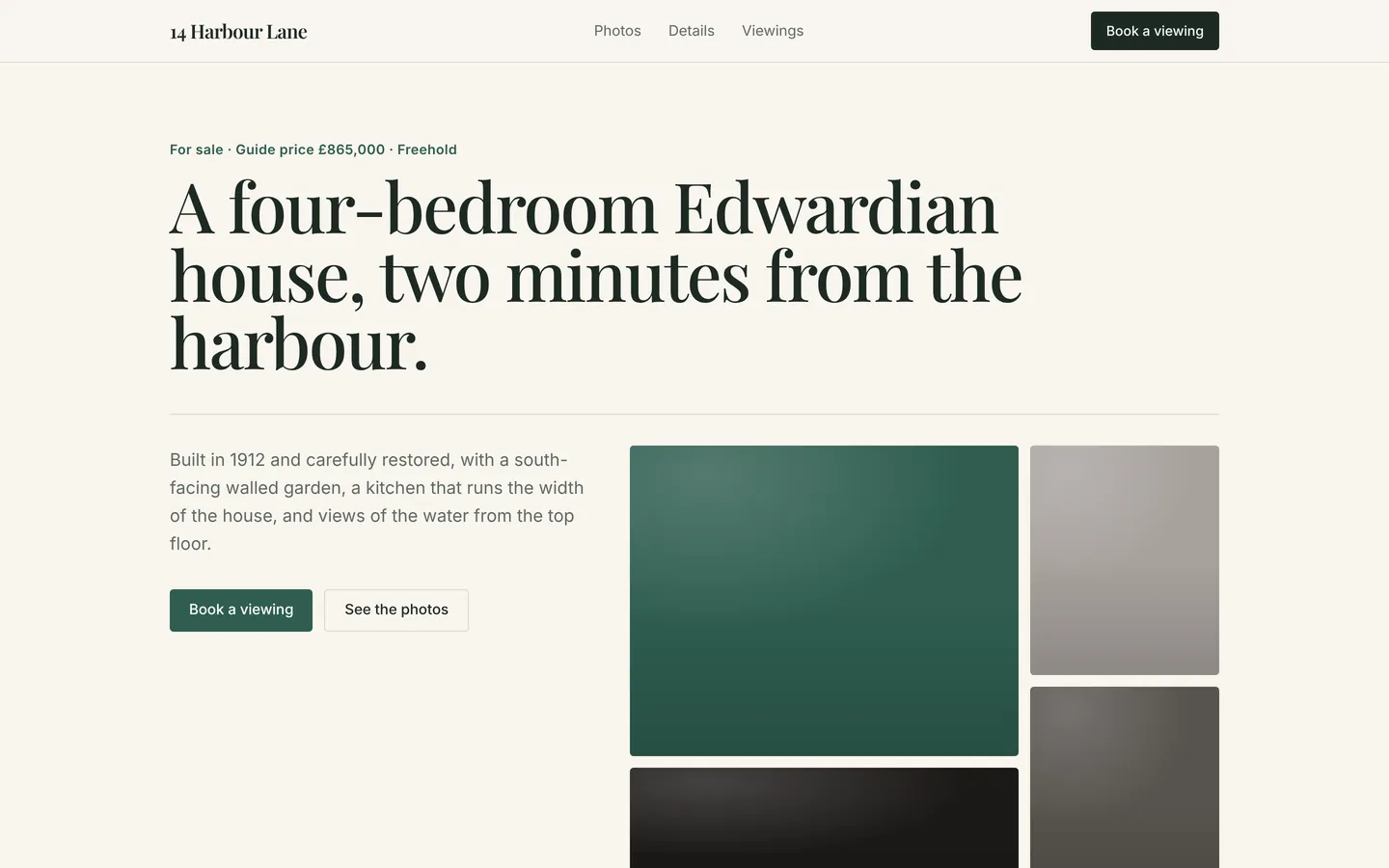
Single property listing
Elegant page for one home for sale, with photos, key facts, room-by-room details, viewing times and a viewing request form.
What you get
A dedicated page for a single property: an editorial hero with the guide price, headline numbers, a photo gallery, key facts, room-by-room notes, open-house times with the agent's details, an FAQ and a viewing request form. All content lives in src/site.ts.
Files
Exactly what is copied into a new project: 13 files, nothing generated.
Explorer 13
<!doctype html><html lang="en"> <head> <meta charset="UTF-8" /> <meta name="viewport" content="width=device-width, initial-scale=1.0" /> <title>14 Harbour Lane</title> <meta name="description" content="Elegant page for one home for sale, with photos, key facts, room-by-room details, viewing times and a viewing request form." /> <meta name="theme-color" content="#f8f5ee" /> <link rel="preconnect" href="https://fonts.googleapis.com" /> <link rel="preconnect" href="https://fonts.gstatic.com" crossorigin /> <link rel="stylesheet" href="https://fonts.googleapis.com/css2?family=Playfair+Display:wght@400;500;600;700&family=Inter:wght@400;500;600;700&display=swap" /> </head> <body> <div id="root"></div> <script type="module" src="/src/main.tsx"></script> </body></html>Remix
Remix this template
Describe what to change and the agent starts from Single property listing's files. The box is already started for you: finish “Start from Single property listing and …”
Dependencies
Documented from the template's package.json. The runtime has a prebuilt dependency set for Vite + React + TypeScript, so installs are fast.
- react^19.1.0
- react-dom^19.1.0
- vite^6.3.0
- @vitejs/plugin-react^4.4.0
- tailwindcss^4.1.0
- @tailwindcss/vite^4.1.0
- typescript^5.8.0
How it runs
- Framework
- Vite + React + TypeScript
- Dev command
- npm run dev
- Build command
- npm run build
- Output directory
- dist
- Port
- 5173
- Entry route
- /
Projects run in an isolated sandbox with a live preview. Read the projects documentation for settings, snapshots and deployment.
Keep browsing
All templates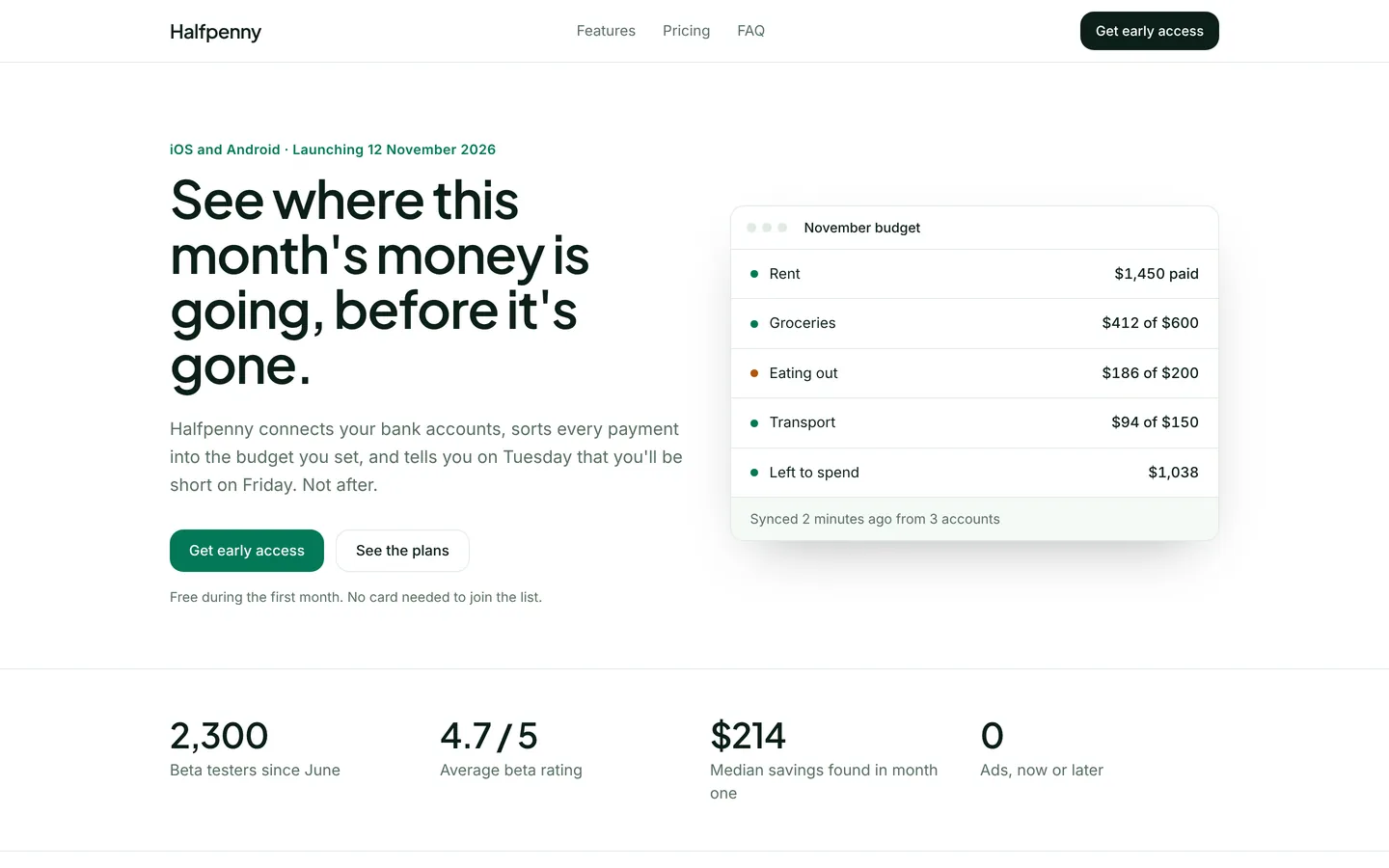
Budgeting app launch
Launch page for a household budgeting app with a live budget mock, pricing, beta reviews and an early-access form.
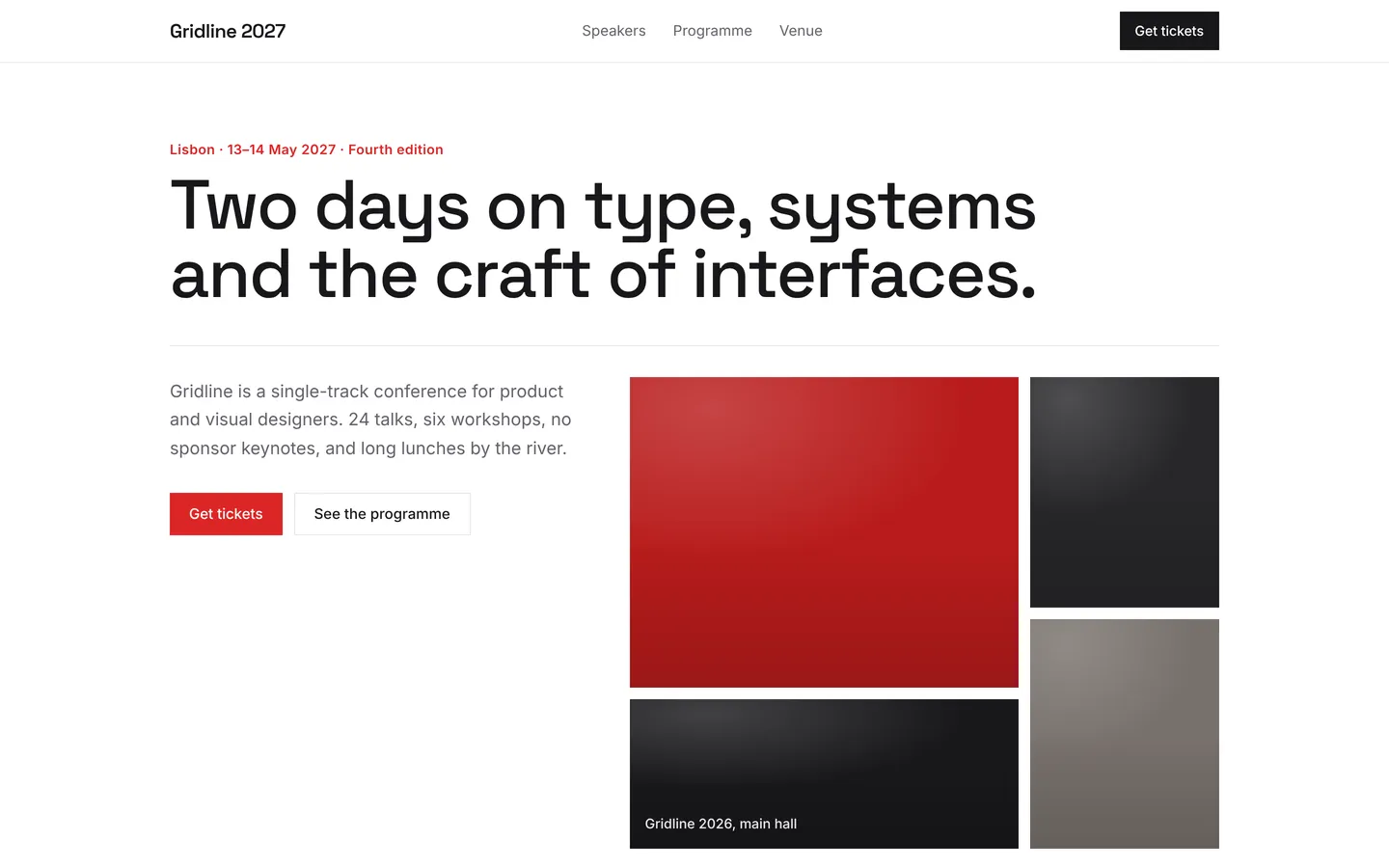
Design conference
Bold two-day design conference page with speakers, programme, venue, ticket tiers and an FAQ, ready for ticket sales.
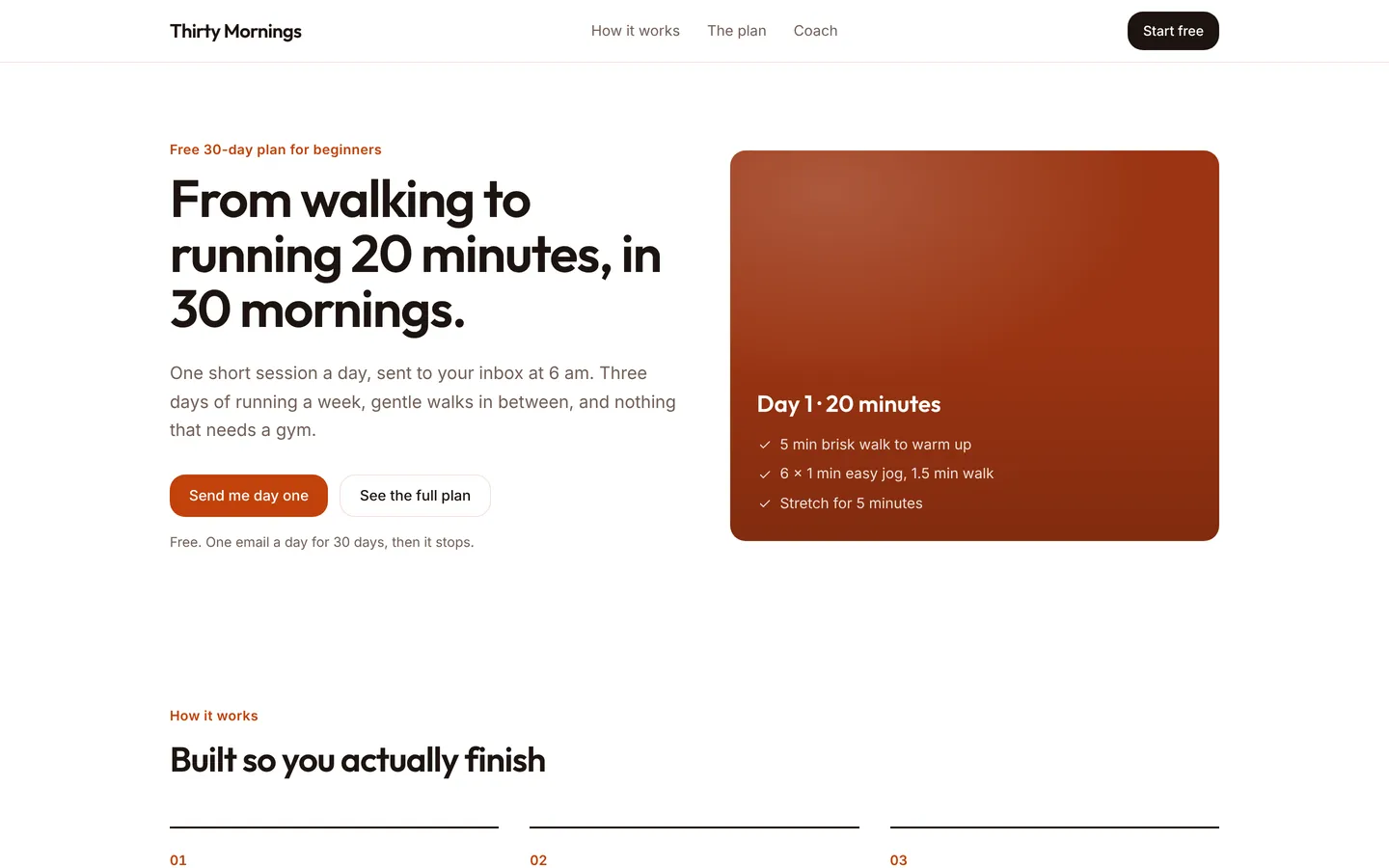
30-day running plan
Friendly sign-up page for a free 30-day plan that takes beginners from walking to running 20 minutes without stopping.
Build on Single property listing
Create a free account, start from this template, and ask the AI agent to turn it into your app.