SaaS · React
Error monitoring
Dark developer-focused site for an error tracking tool with a live issues mock, SDK steps and pricing.
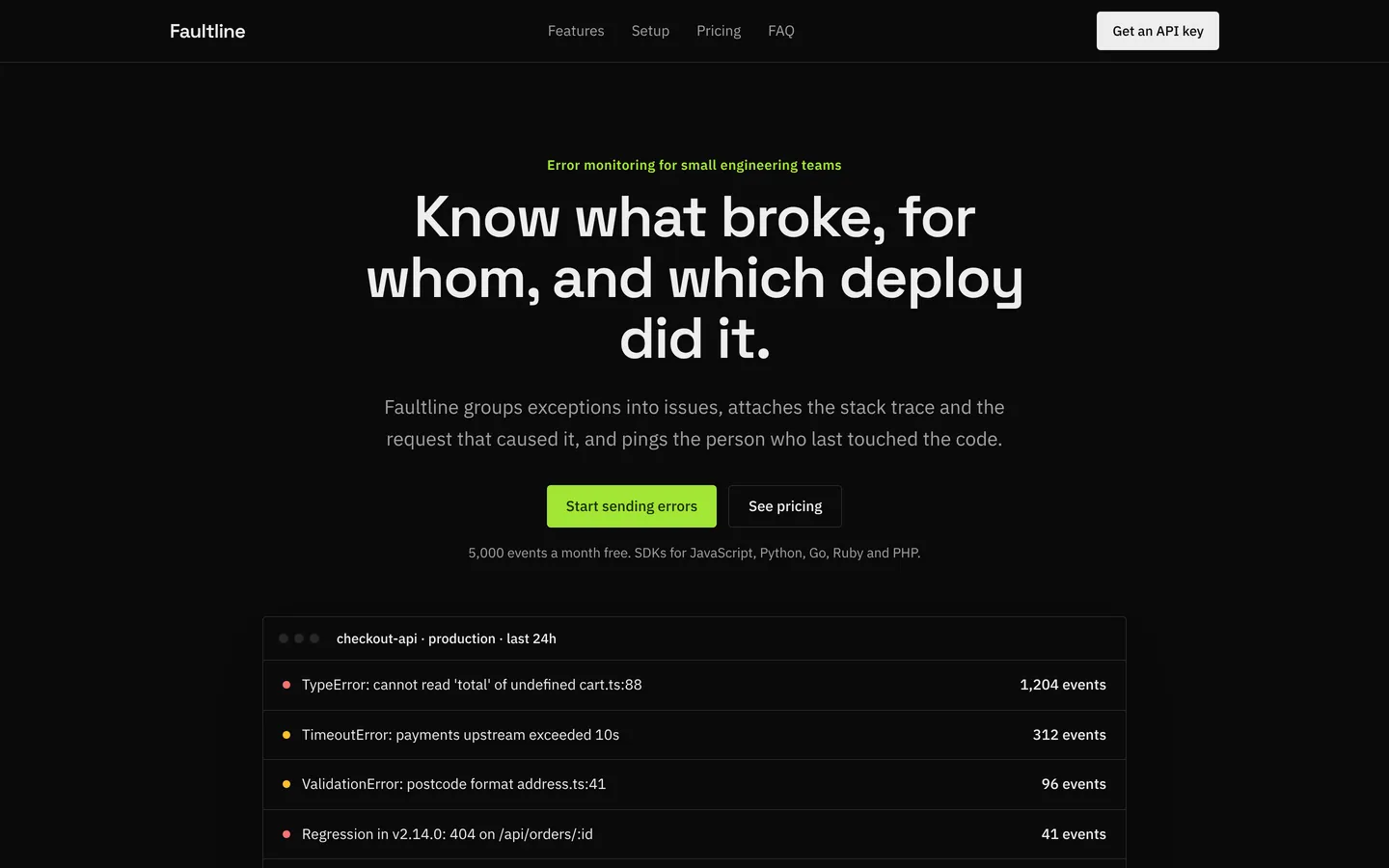
What you get
A dark, developer-first product site for an error monitoring service: an issues feed mock, stats, features, a release-tracking split, three setup steps, usage-based monthly pricing, quotes and an FAQ. All content lives in src/site.ts.
Files
Exactly what is copied into a new project: 13 files, nothing generated.
Explorer 13
{ "name": "codexa-saas-error-monitoring", "private": true, "version": "0.1.0", "type": "module", "scripts": { "dev": "vite --host 0.0.0.0 --port $PORT", "build": "tsc -b && vite build", "preview": "vite preview --host 0.0.0.0 --port $PORT" }, "dependencies": { "react": "^19.1.0", "react-dom": "^19.1.0" }, "devDependencies": { "@types/react": "^19.1.0", "@types/react-dom": "^19.1.0", "@vitejs/plugin-react": "^4.4.0", "@tailwindcss/vite": "^4.1.0", "tailwindcss": "^4.1.0", "typescript": "^5.8.0", "vite": "^6.3.0" }}Remix
Remix this template
Describe what to change and the agent starts from Error monitoring's files. The box is already started for you: finish “Start from Error monitoring and …”
Dependencies
Documented from the template's package.json. The runtime has a prebuilt dependency set for Vite + React + TypeScript, so installs are fast.
- react^19.1.0
- react-dom^19.1.0
- vite^6.3.0
- @vitejs/plugin-react^4.4.0
- tailwindcss^4.1.0
- @tailwindcss/vite^4.1.0
- typescript^5.8.0
How it runs
- Framework
- Vite + React + TypeScript
- Dev command
- npm run dev
- Build command
- npm run build
- Output directory
- dist
- Port
- 5173
- Entry route
- /
Projects run in an isolated sandbox with a live preview. Read the projects documentation for settings, snapshots and deployment.
Keep browsing
All templates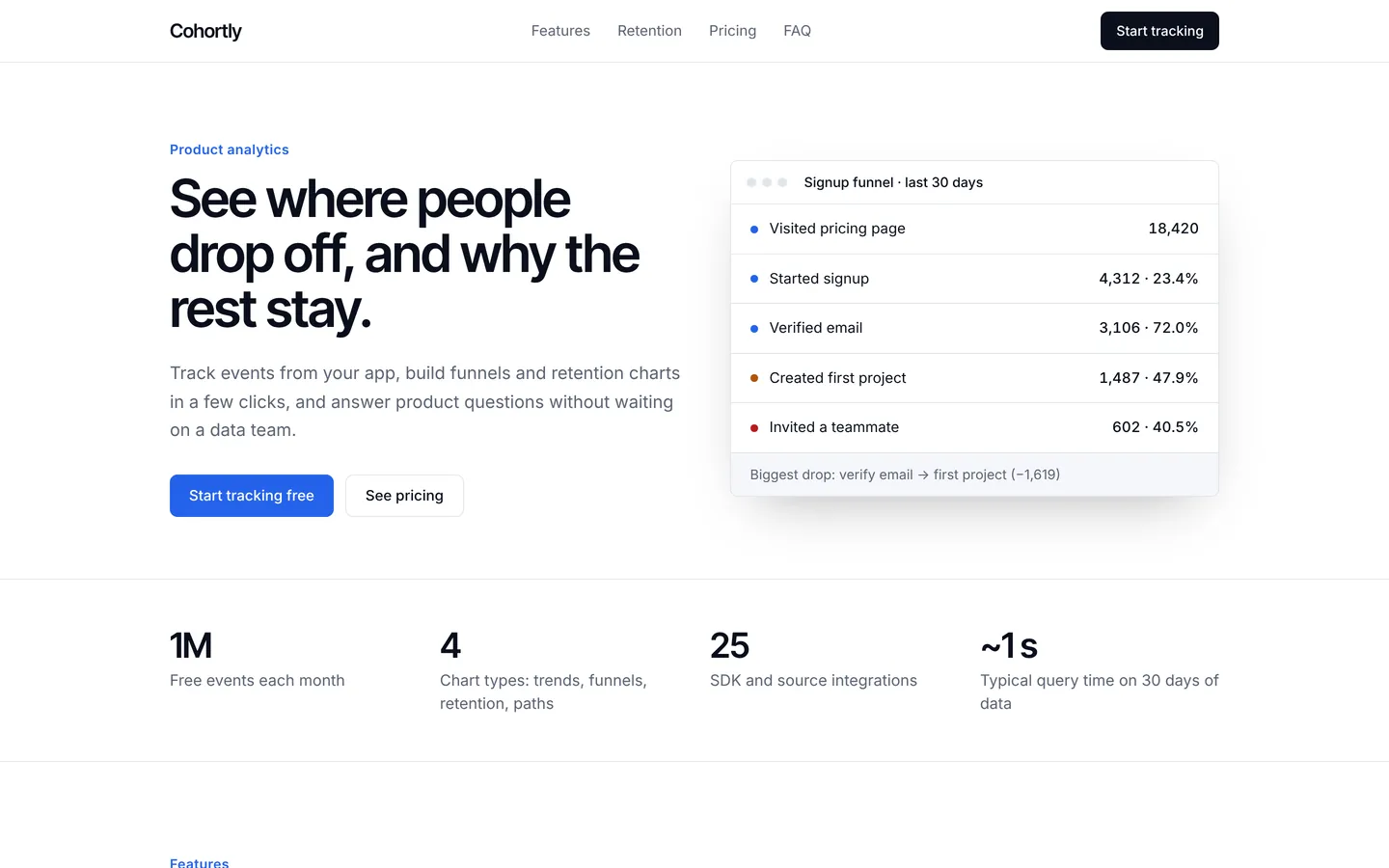
Product analytics
Crisp site for a product analytics tool with a funnel mock, retention features, event pricing and FAQ.
- Featured
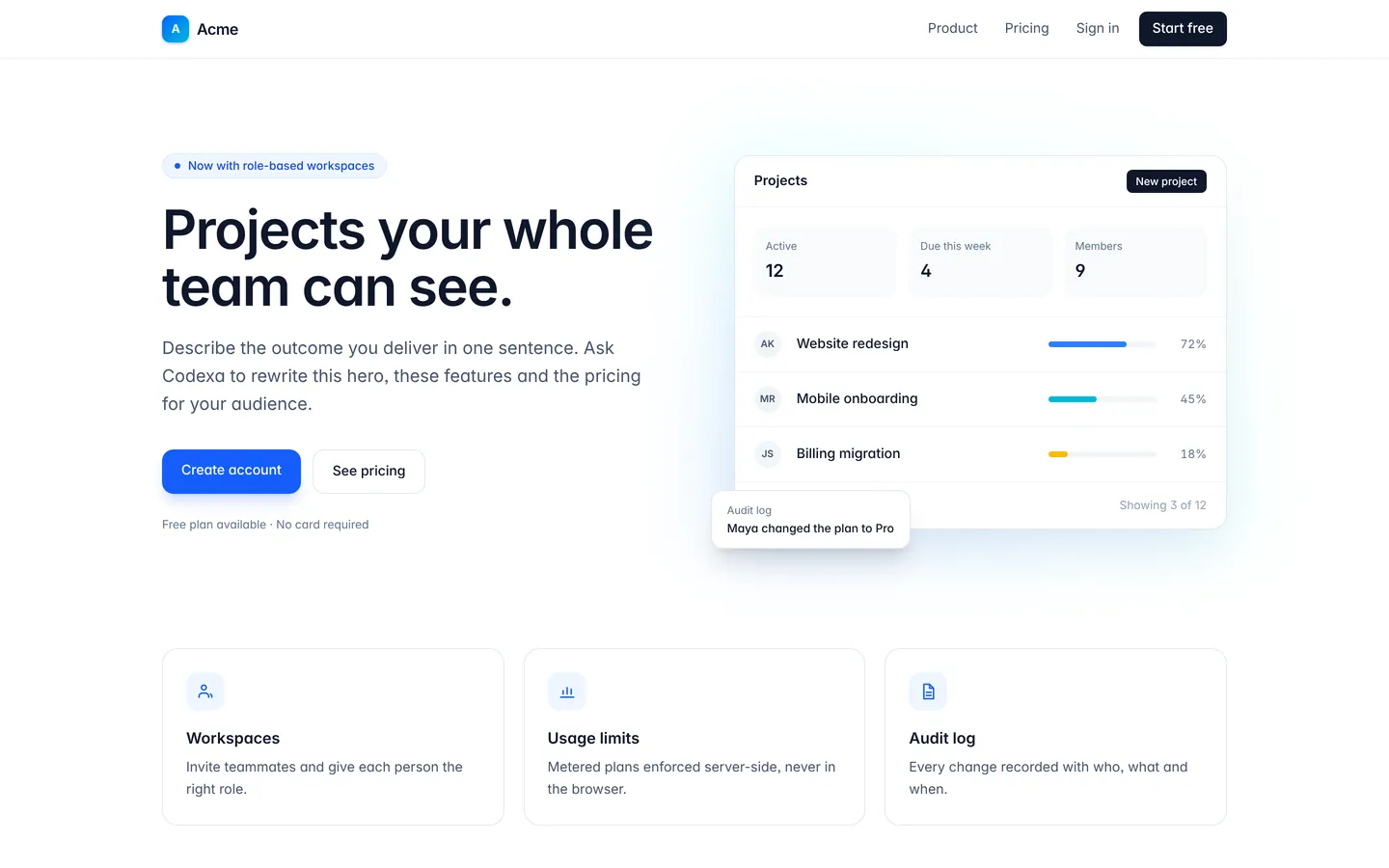
SaaS starter
Marketing pages, sign-in and sign-up screens, and an authenticated app area with a mocked session you replace with real auth.
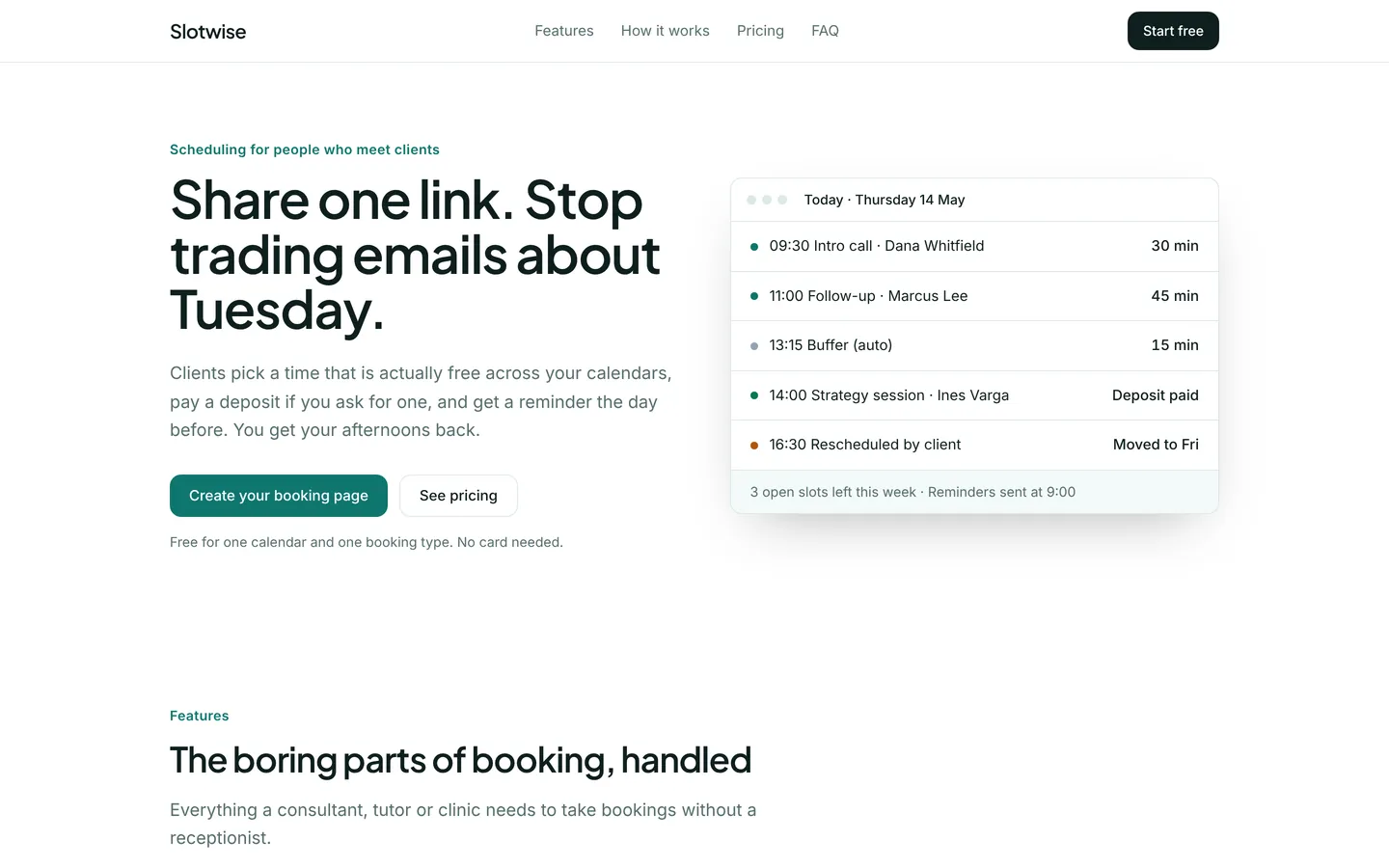
Appointment scheduling
Marketing site for a booking-link tool with a live calendar mock, pricing, setup steps and an FAQ.
Build on Error monitoring
Create a free account, start from this template, and ask the AI agent to turn it into your app.