SaaS · React
Appointment scheduling
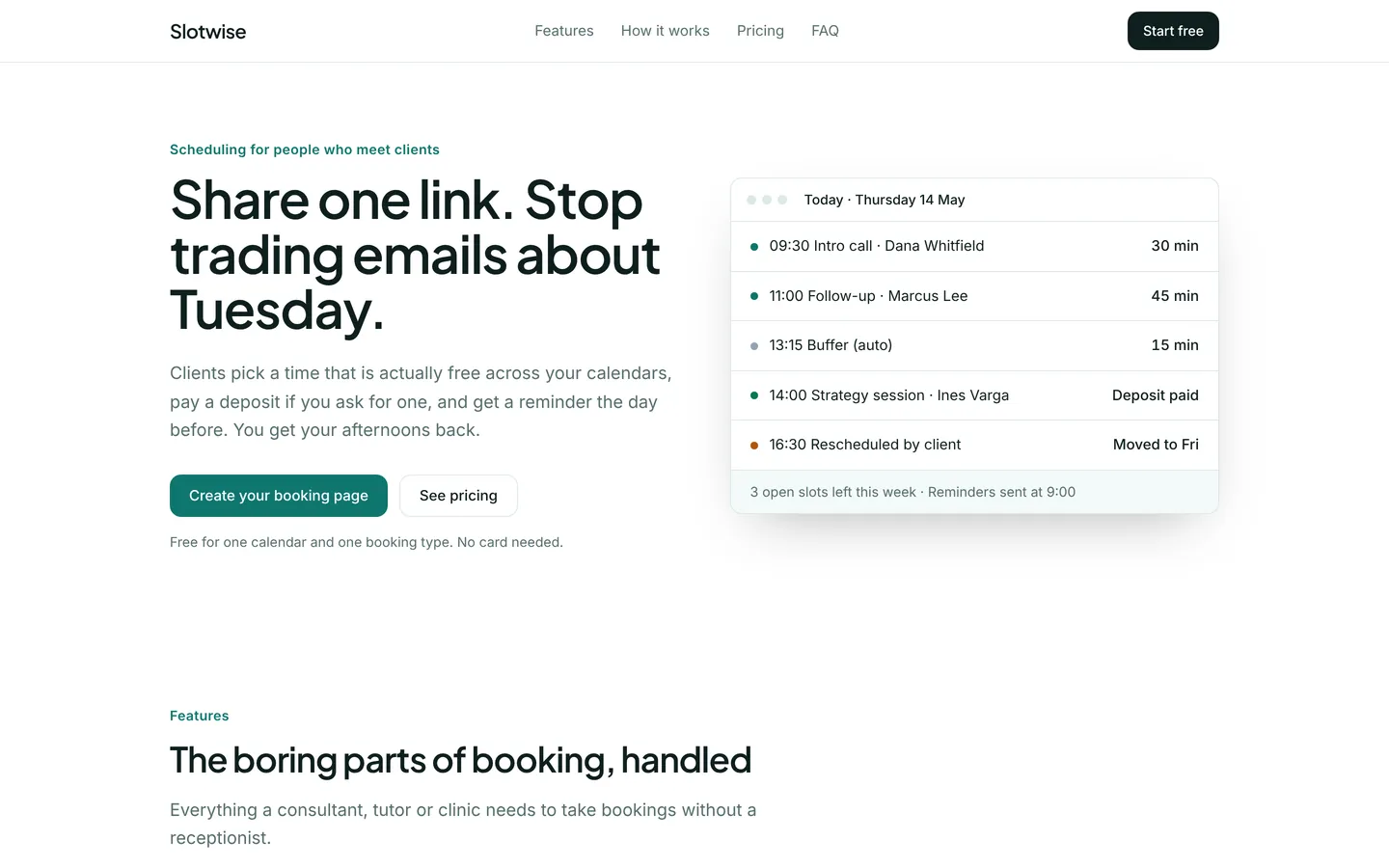
Marketing site for a booking-link tool with a live calendar mock, pricing, setup steps and an FAQ.
What you get
A product site for an appointment scheduling app: a hero with today's bookings, features, a three-step setup, a reminders section, monthly pricing, customer quotes and an FAQ. All content lives in src/site.ts.
Files
Exactly what is copied into a new project: 13 files, nothing generated.
Explorer 13
import { useState } from "react";import { site } from "./site";import { SectionView } from "./Sections"; export default function App() { const [menu, setMenu] = useState(false); return ( <div className="min-h-screen bg-bg font-body text-fg antialiased"> <header className="sticky top-0 z-40 border-b border-line bg-bg/90 backdrop-blur"> <div className="mx-auto flex h-16 w-full max-w-6xl items-center justify-between gap-6 px-5 sm:px-8"> <a href="#" className="font-heading text-xl font-semibold tracking-tight"> {site.brand} </a> <nav aria-label="Main" className="hidden items-center gap-7 text-[15px] md:flex"> {site.nav.map((l) => ( <a key={l.href} href={l.href} className="text-muted transition hover:text-fg"> {l.label} </a> ))} </nav> <div className="flex items-center gap-3"> {site.navCta ? ( <a href={site.navCta.href} className="hidden h-10 items-center rounded-card bg-fg px-4 text-sm font-medium text-bg hover:opacity-90 sm:inline-flex"> {site.navCta.label} </a> ) : null} <button type="button" className="grid h-10 w-10 place-items-center rounded-card border border-line md:hidden" aria-expanded={menu} aria-label="Menu" onClick={() => setMenu((m) => !m)}> <span className="block h-0.5 w-4 bg-fg shadow-[0_5px_0_currentColor,0_-5px_0_currentColor]" /> </button> </div> </div> {menu ? ( <nav aria-label="Mobile" className="border-t border-line px-5 py-3 md:hidden"> {site.nav.map((l) => ( <a key={l.href} href={l.href} onClick={() => setMenu(false)} className="block py-2.5 text-[16px]"> {l.label} </a> ))} </nav> ) : null} </header> <main> {site.sections.map((s, i) => ( <SectionView key={i} s={s} /> ))} </main> <footer className="border-t border-line py-14"> <div className="mx-auto grid w-full max-w-6xl gap-10 px-5 sm:px-8 md:grid-cols-[1.4fr_repeat(3,1fr)]"> <div> <p className="font-heading text-xl font-semibold">{site.brand}</p> <p className="mt-3 max-w-sm text-muted">{site.footer.text}</p> </div> {(site.footer.columns ?? []).map((c) => ( <div key={c.title}> <p className="text-sm font-semibold">{c.title}</p> <ul className="mt-3 space-y-2 text-[15px] text-muted"> {c.links.map((l) => ( <li key={l}>{l}</li> ))} </ul> </div> ))} </div> <p className="mx-auto mt-12 w-full max-w-6xl px-5 text-sm text-muted sm:px-8">{site.footer.legal}</p> </footer> </div> );}Remix
Remix this template
Describe what to change and the agent starts from Appointment scheduling's files. The box is already started for you: finish “Start from Appointment scheduling and …”
Dependencies
Documented from the template's package.json. The runtime has a prebuilt dependency set for Vite + React + TypeScript, so installs are fast.
- react^19.1.0
- react-dom^19.1.0
- vite^6.3.0
- @vitejs/plugin-react^4.4.0
- tailwindcss^4.1.0
- @tailwindcss/vite^4.1.0
- typescript^5.8.0
How it runs
- Framework
- Vite + React + TypeScript
- Dev command
- npm run dev
- Build command
- npm run build
- Output directory
- dist
- Port
- 5173
- Entry route
- /
Projects run in an isolated sandbox with a live preview. Read the projects documentation for settings, snapshots and deployment.
Keep browsing
All templates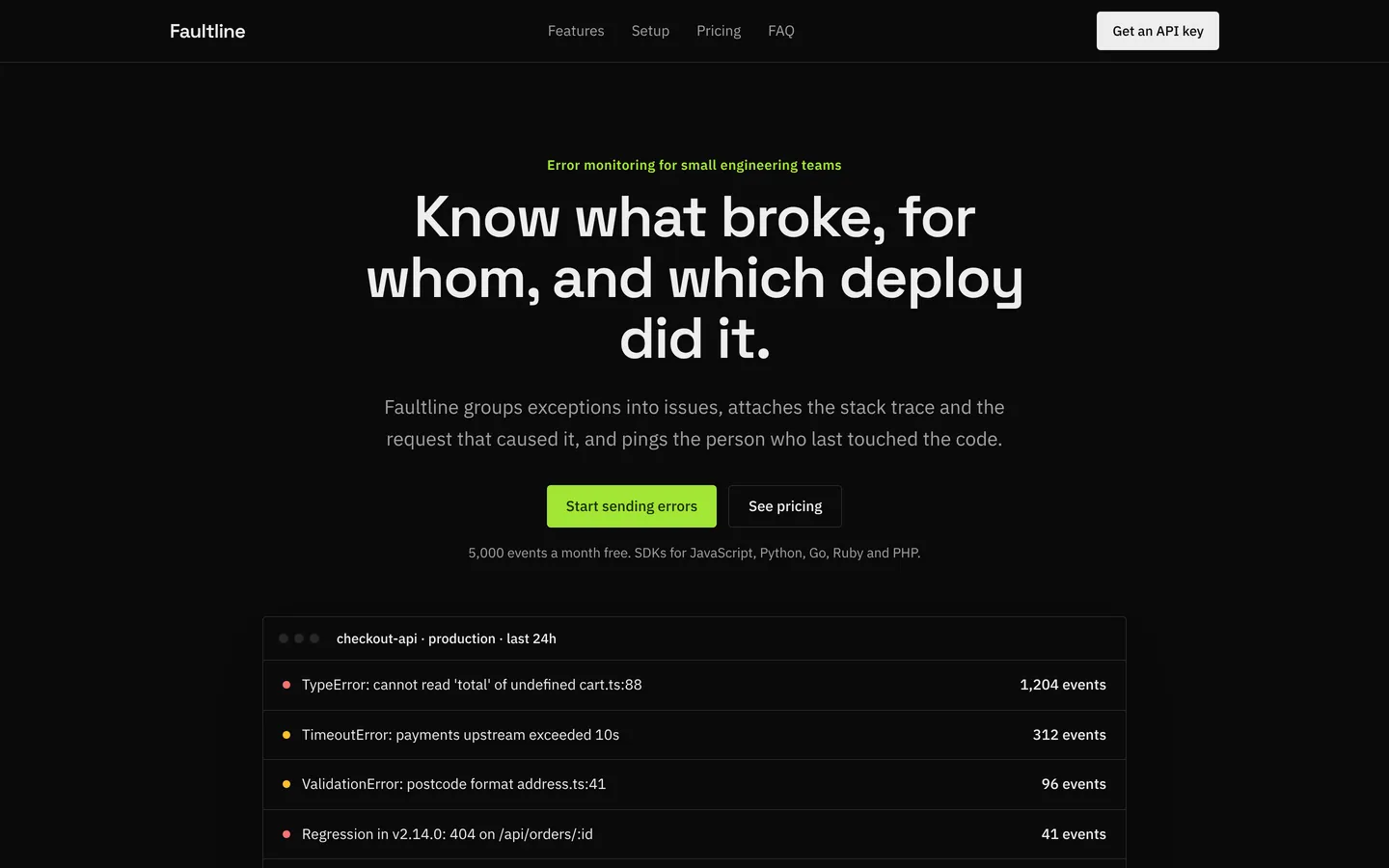
Error monitoring
Dark developer-focused site for an error tracking tool with a live issues mock, SDK steps and pricing.
Product analytics
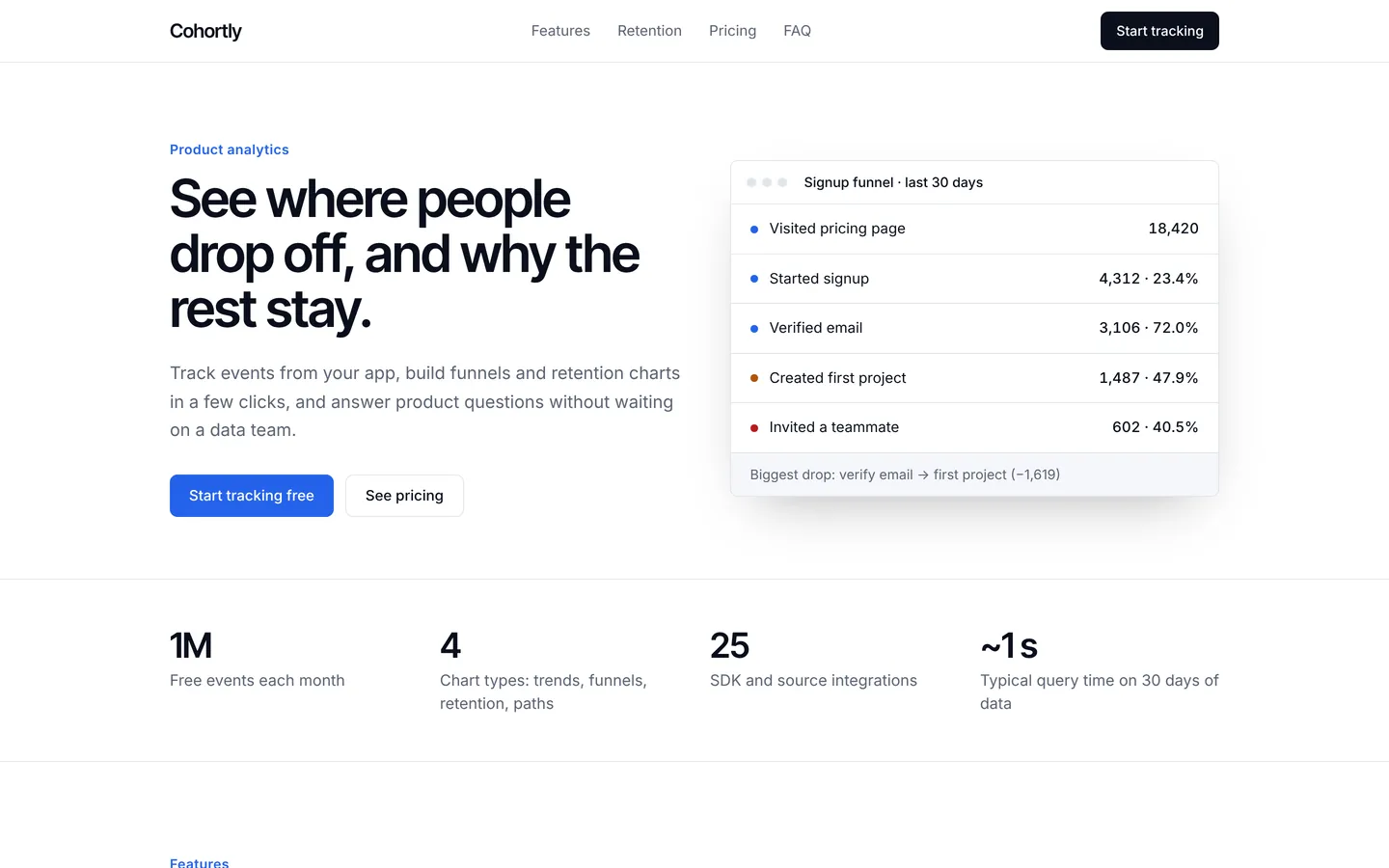
Crisp site for a product analytics tool with a funnel mock, retention features, event pricing and FAQ.
- Featured
SaaS starter
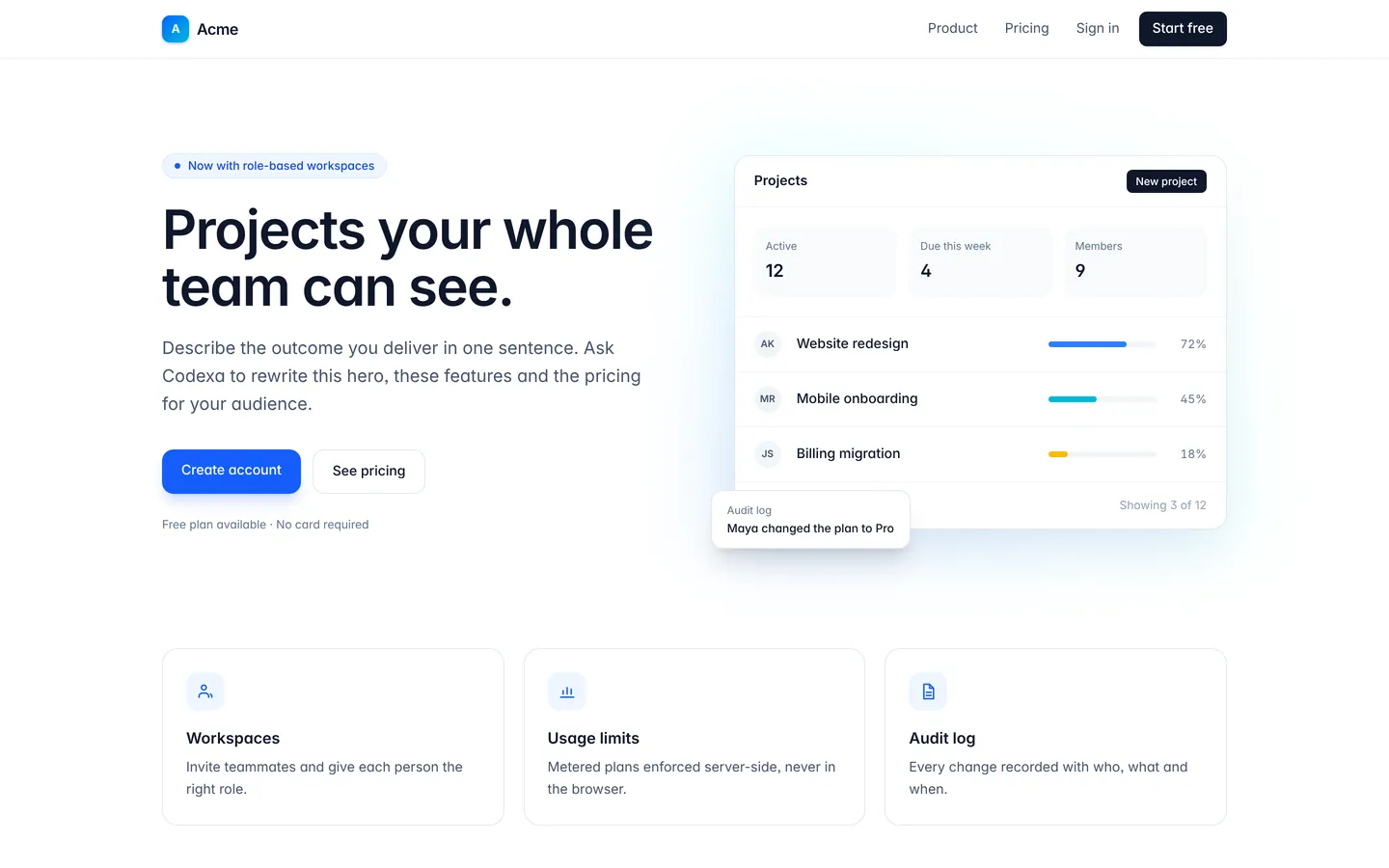
Marketing pages, sign-in and sign-up screens, and an authenticated app area with a mocked session you replace with real auth.
Build on Appointment scheduling
Create a free account, start from this template, and ask the AI agent to turn it into your app.