Dashboards · React
Support desk
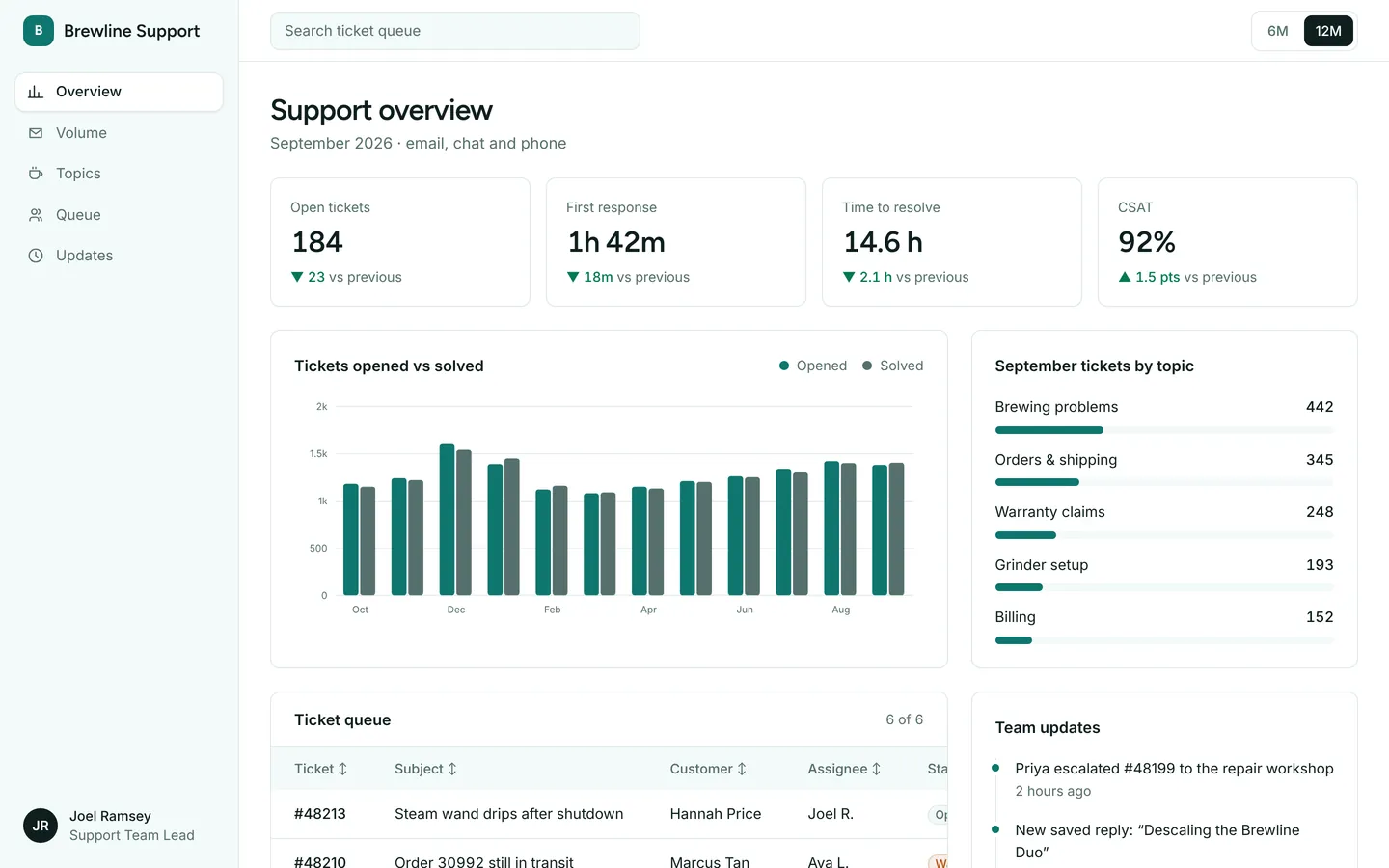
Ticket volume, response times, satisfaction and an open-ticket queue for a customer support team.
What you get
A help desk dashboard for an espresso machine maker: tickets opened and solved each month, what customers write in about, and the current queue with assignees and status. Tickets and metrics live in src/dashboard.ts.
Files
Exactly what is copied into a new project: 13 files, nothing generated.
Explorer 13
{ "name": "codexa-dash-support", "private": true, "version": "0.1.0", "type": "module", "scripts": { "dev": "vite --host 0.0.0.0 --port $PORT", "build": "tsc -b && vite build", "preview": "vite preview --host 0.0.0.0 --port $PORT" }, "dependencies": { "react": "^19.1.0", "react-dom": "^19.1.0" }, "devDependencies": { "@types/react": "^19.1.0", "@types/react-dom": "^19.1.0", "@vitejs/plugin-react": "^4.4.0", "@tailwindcss/vite": "^4.1.0", "tailwindcss": "^4.1.0", "typescript": "^5.8.0", "vite": "^6.3.0" }}Remix
Remix this template
Describe what to change and the agent starts from Support desk's files. The box is already started for you: finish “Start from Support desk and …”
Dependencies
Documented from the template's package.json. The runtime has a prebuilt dependency set for Vite + React + TypeScript, so installs are fast.
- react^19.1.0
- react-dom^19.1.0
- vite^6.3.0
- @vitejs/plugin-react^4.4.0
- tailwindcss^4.1.0
- @tailwindcss/vite^4.1.0
- typescript^5.8.0
How it runs
- Framework
- Vite + React + TypeScript
- Dev command
- npm run dev
- Build command
- npm run build
- Output directory
- dist
- Port
- 5173
- Entry route
- /
Projects run in an isolated sandbox with a live preview. Read the projects documentation for settings, snapshots and deployment.
Keep browsing
All templates- Featured
Analytics dashboard
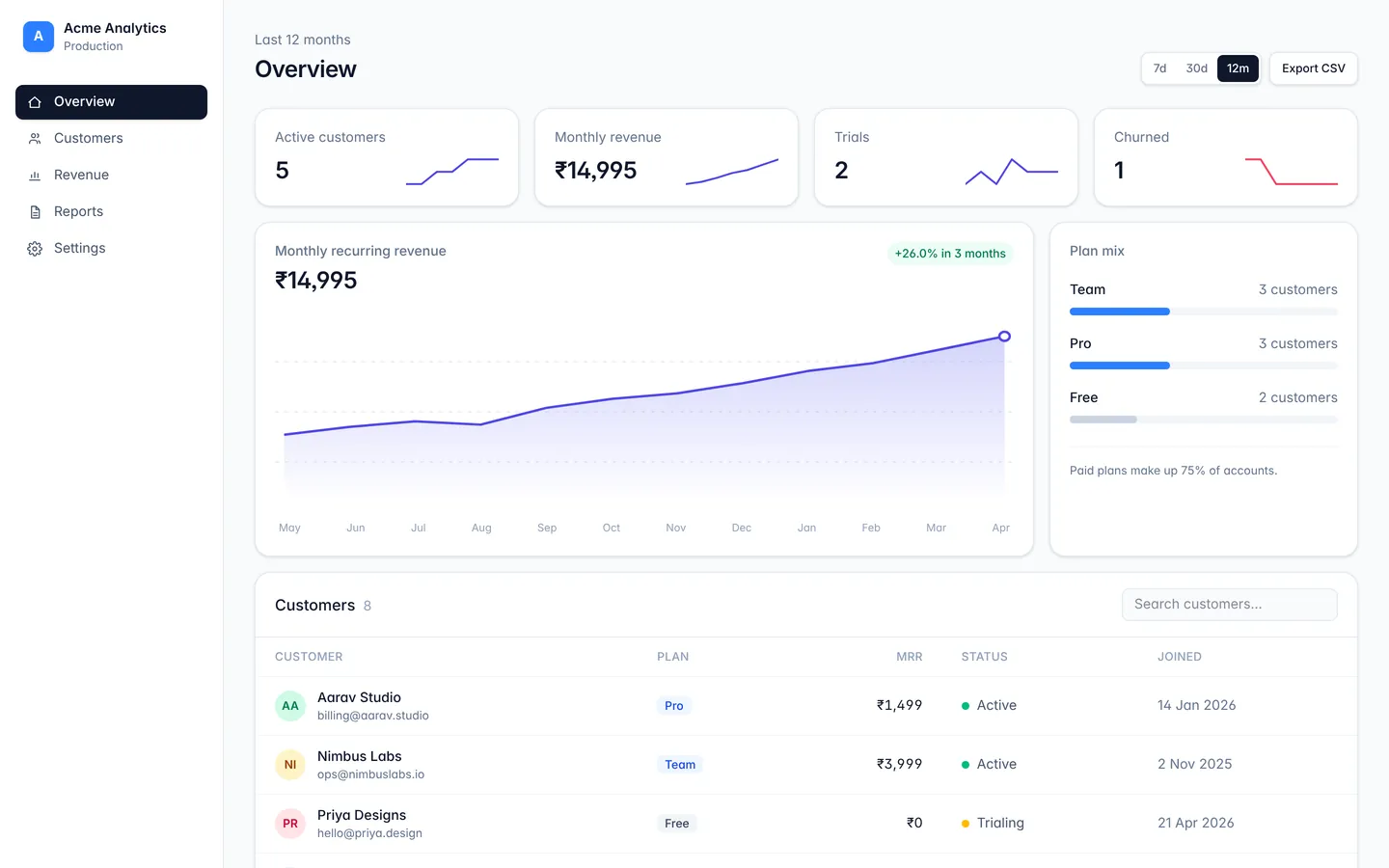
A responsive dashboard layout with sidebar navigation, stat cards, and a data table.
API monitoring
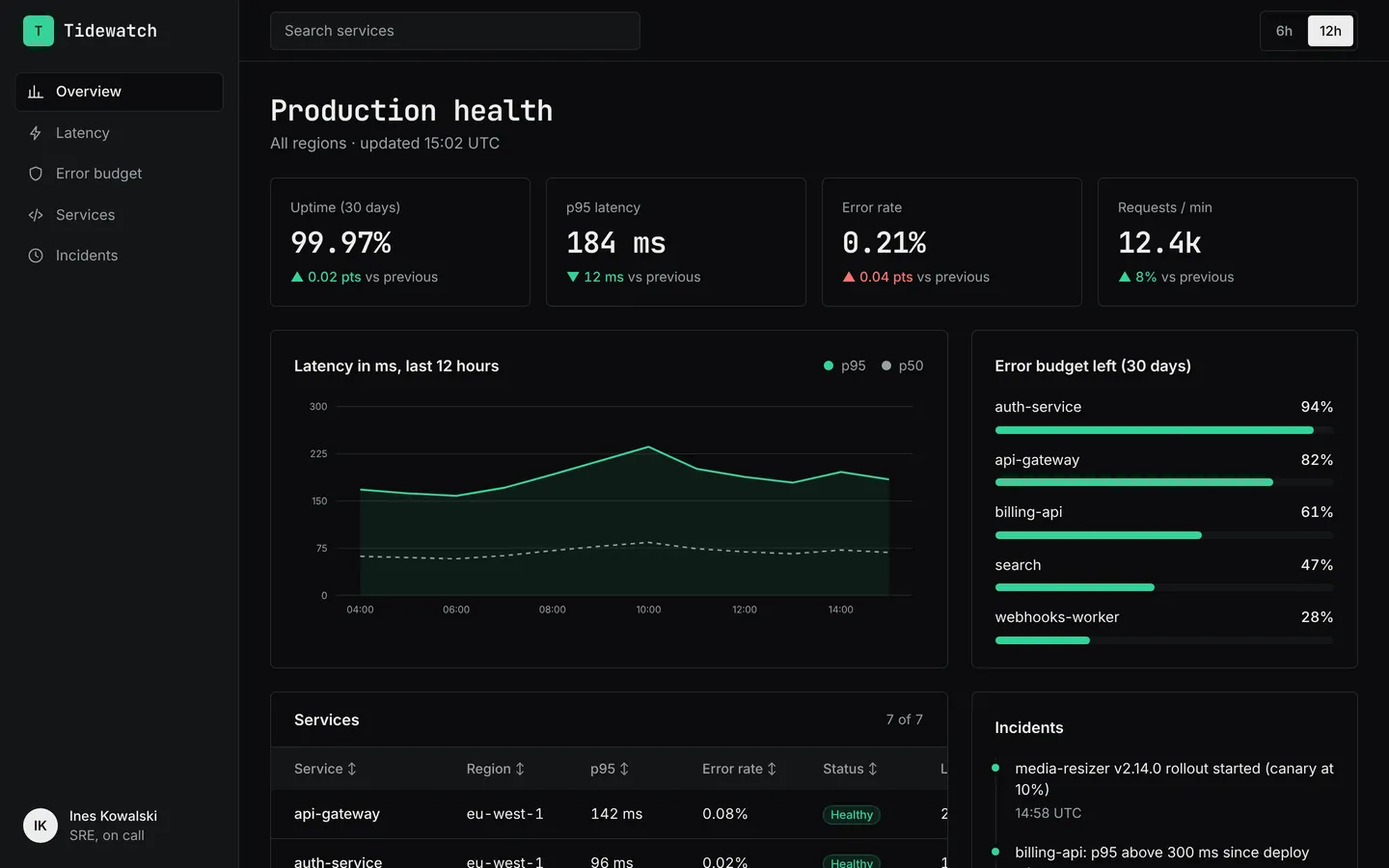
Latency, error rates, uptime and service health for an API platform, in a dark on-call layout.
SaaS metrics
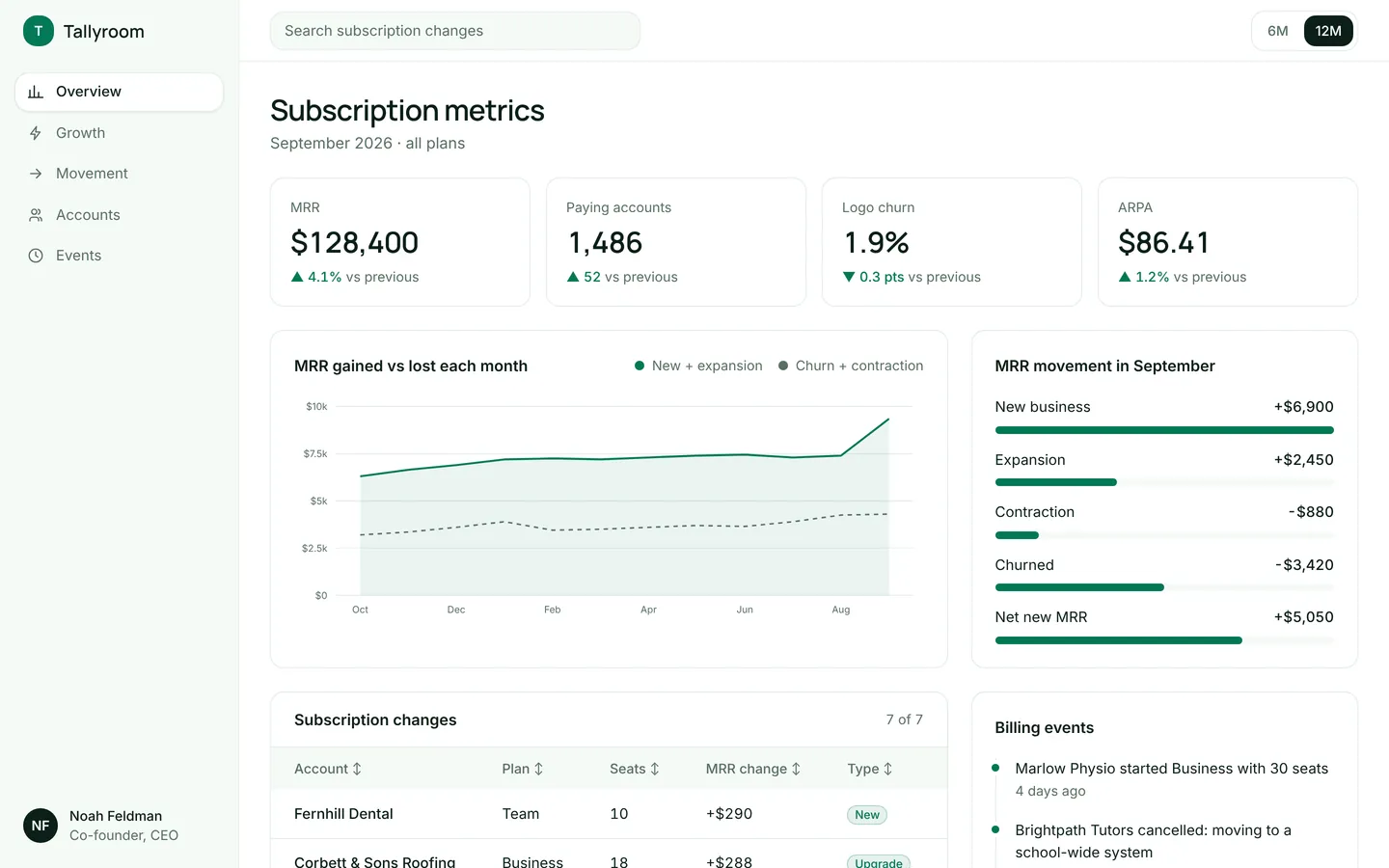
MRR, churn, ARPA and a breakdown of new, expansion and churned revenue for a subscription product.
Build on Support desk
Create a free account, start from this template, and ask the AI agent to turn it into your app.